Take a job in
- Jobs → New job: choose the customer and site, a job type, and a priority.
- Give it a time now, or leave it unscheduled to place later.
- Add the certifications it needs if its job type doesn't already say.
Assign on the dispatch board
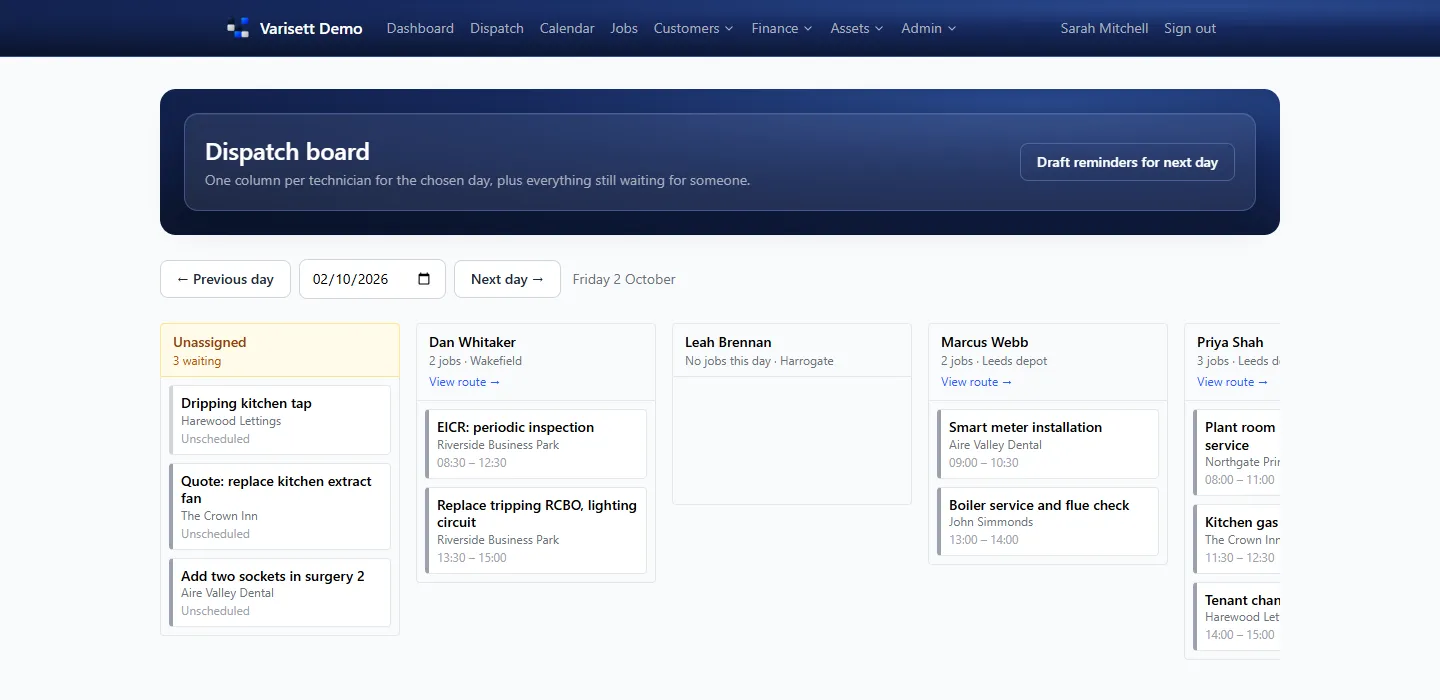
One column per engineer for the chosen day, with every job still waiting for someone on the left. Drag a card onto an engineer to give it to them. Click an unassigned card for ranked suggestions instead; on a tablet or phone, that's the way to assign.
Plan on the calendar
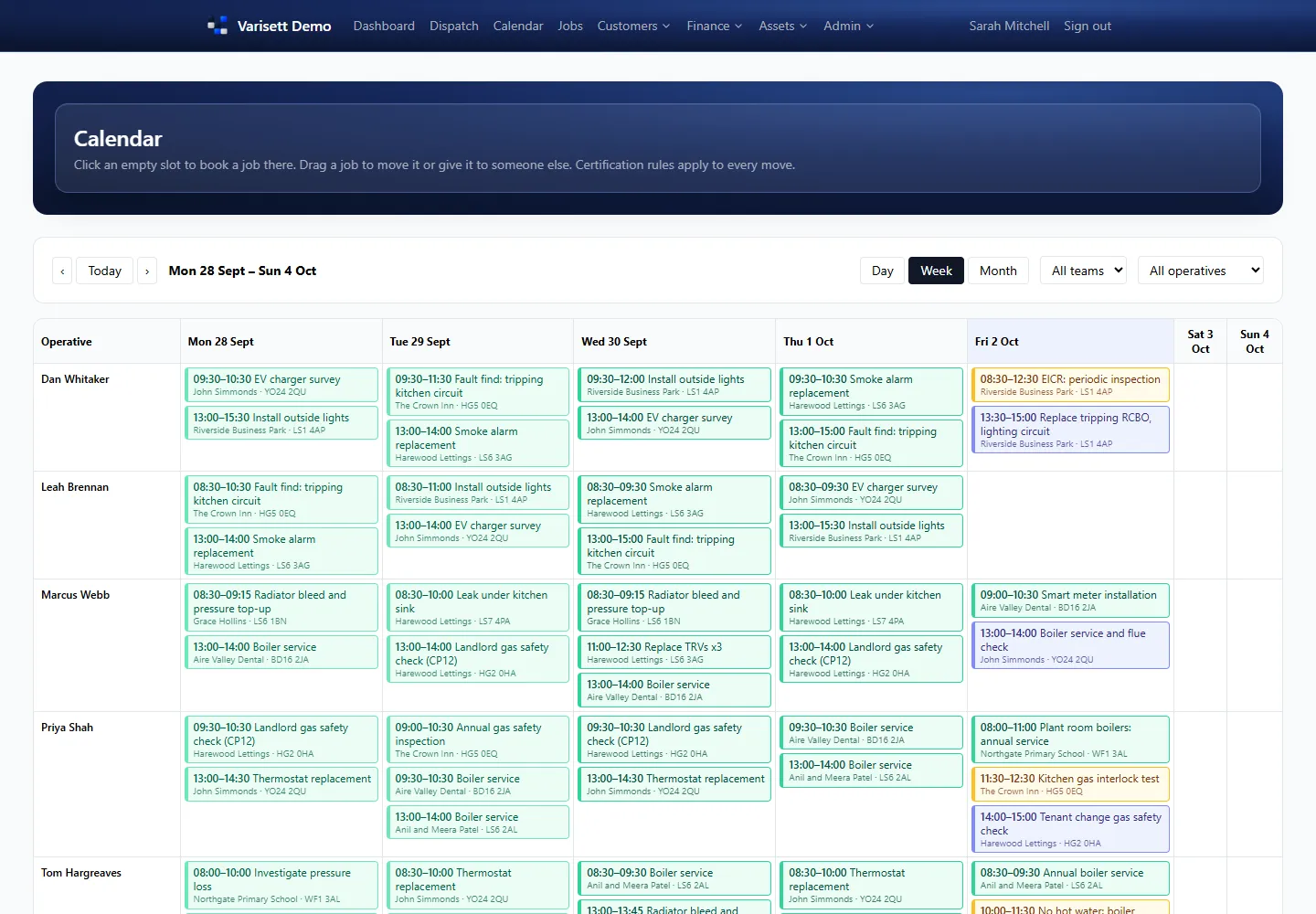
- Calendar → Day, Week or Month, filtered by team or engineer.
- Click an empty slot to book a job there.
- Drag a job to move it or give it to someone else. The certification rules apply to every move.
- Also use Varisett Bookings or Staffing? When you choose who does a job, anyone busy there at that time (an appointment, a shift) is marked, for example "busy in Varisett Bookings (Appointment) 10:00–11:00", the same as a clash with another job.
- For regular work, set it to repeat every week, every 2, 4, 6 or 8 weeks, every month or every year, until a date if you like.
Keep customers informed
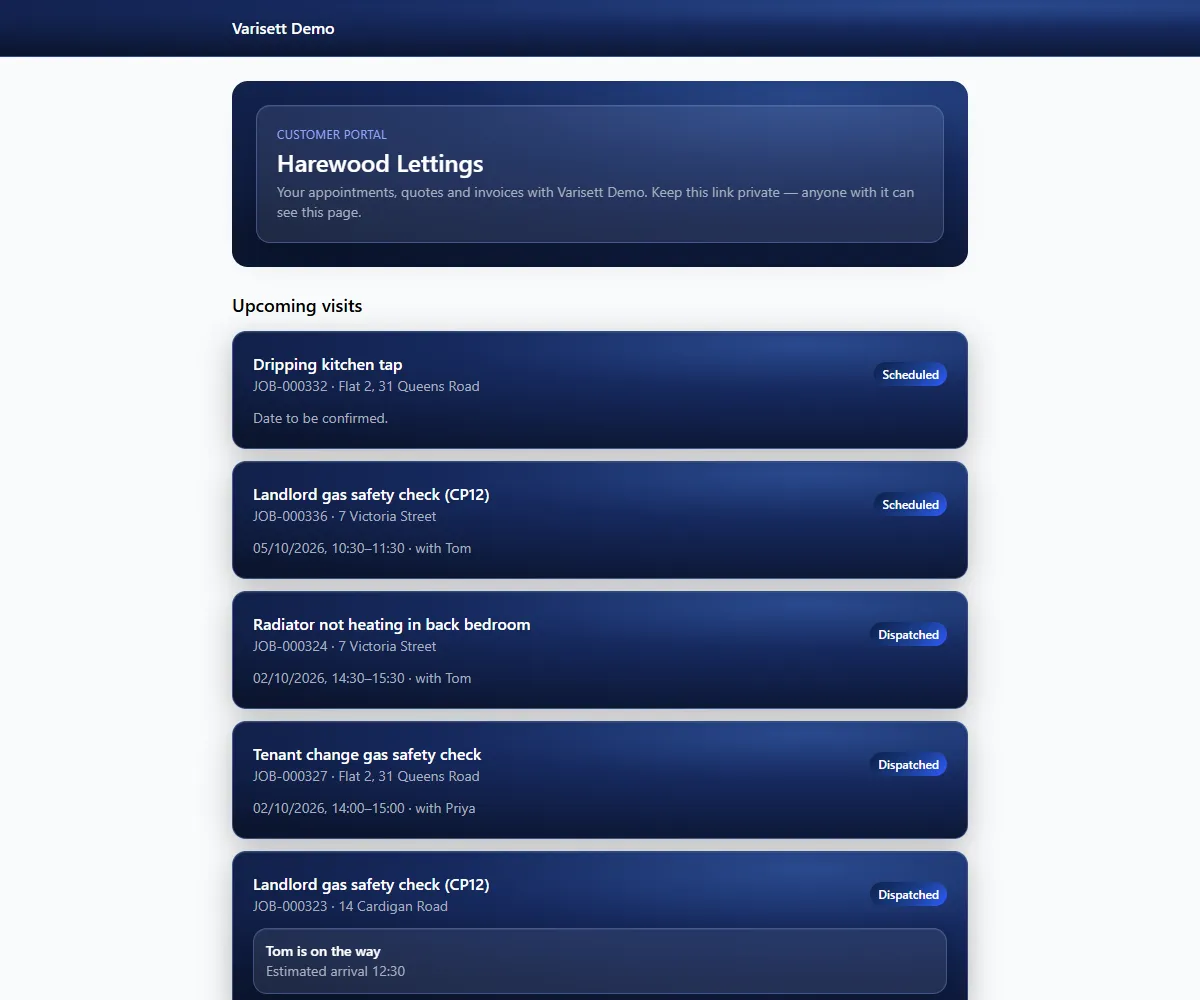
When an engineer taps "On my way", the customer's portal shows they're coming and when.
Messages are drafted for you (on my way, reminders for tomorrow's appointments, job completed) in Customers → Messages. Send them from your own email or phone, then mark them sent. "Draft reminders for next day" on the dispatch board does tomorrow's in one go.
Quotes
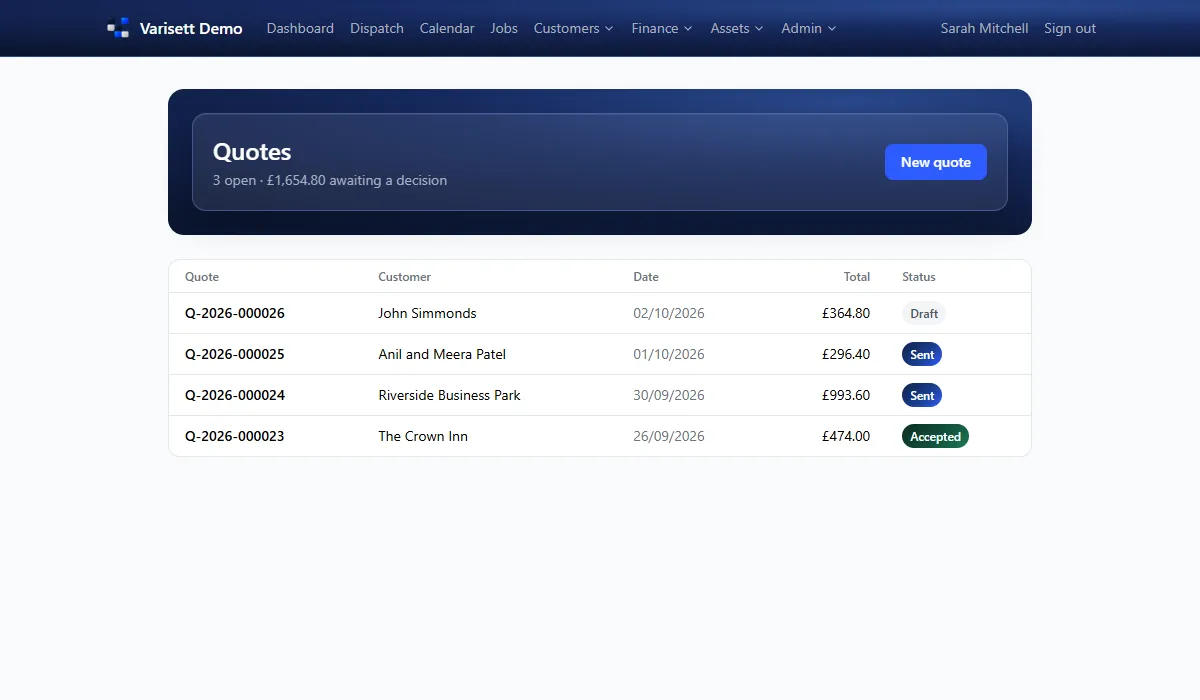
- Customers → Quotes → new quote, built from the parts list.
- Send the customer their portal link; they can accept it there. Engineers can also take acceptance on site.
- An accepted quote turns into an invoice in one step.
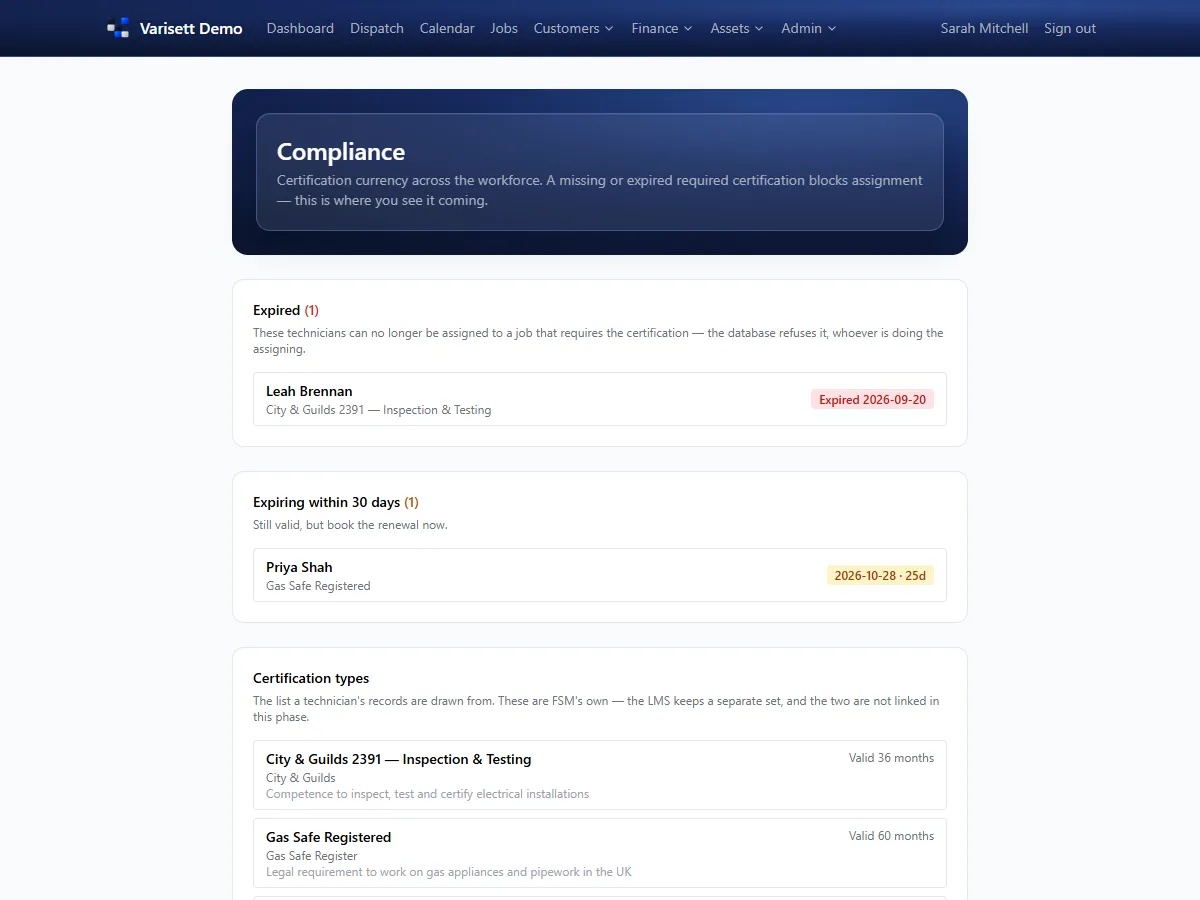
Compliance at a glance
Resources → Compliance shows expired certifications (blocking those jobs) and those expiring in the next 30 days, so you can book renewals before they bite.
Screens show the real Varisett FSM with made-up example data. Your own system carries your name, logo and colour.