What it looks like
The screens you'll use
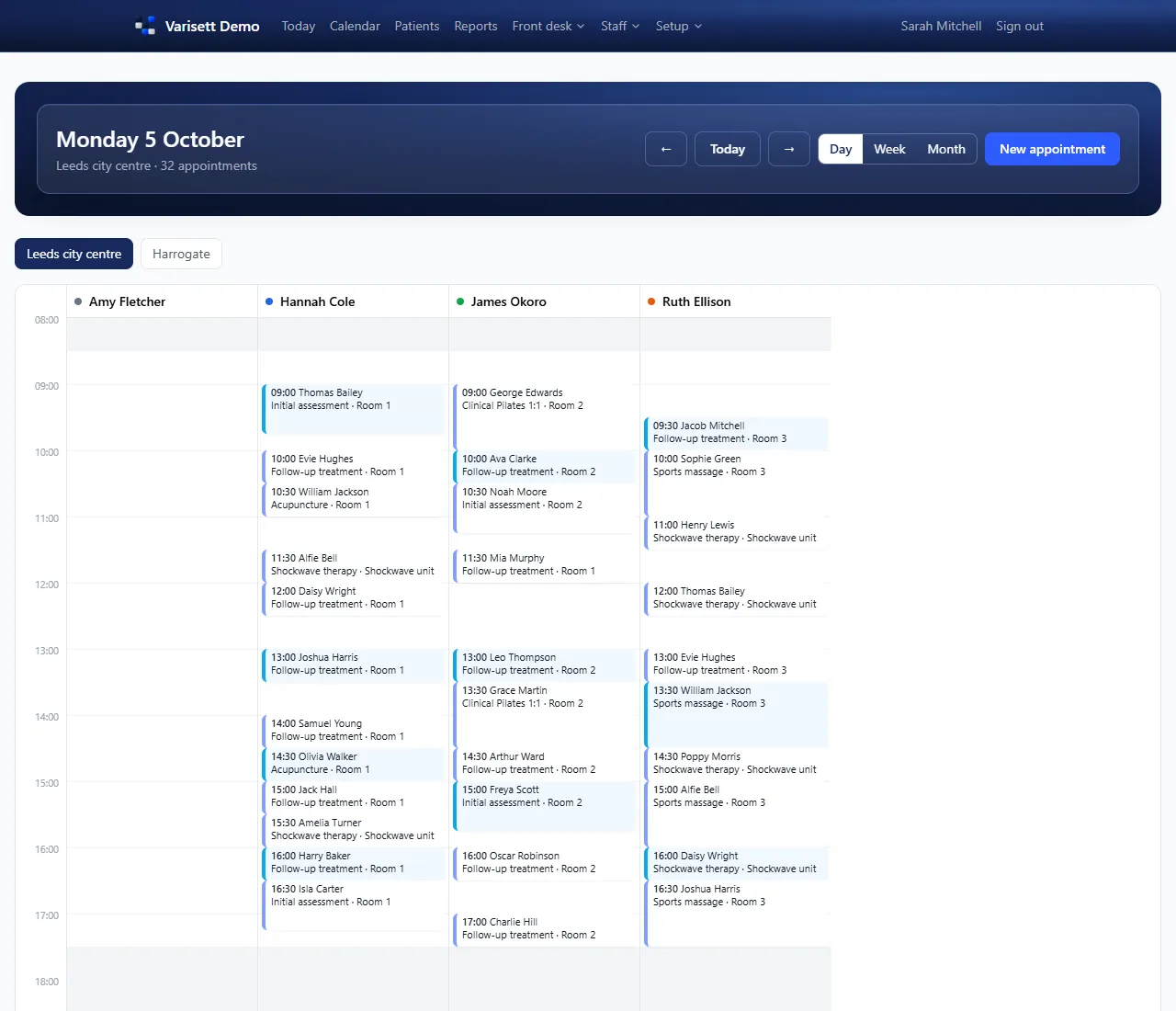
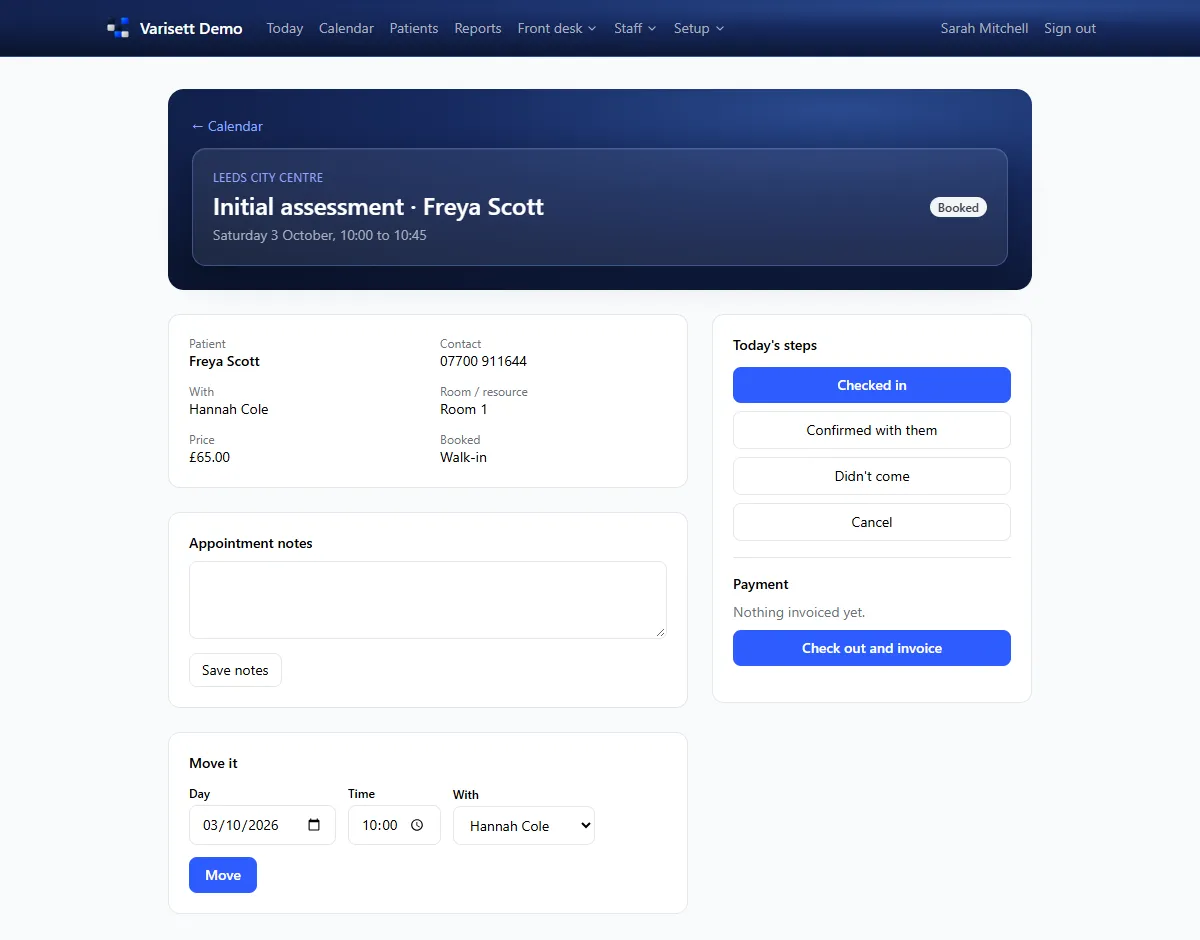
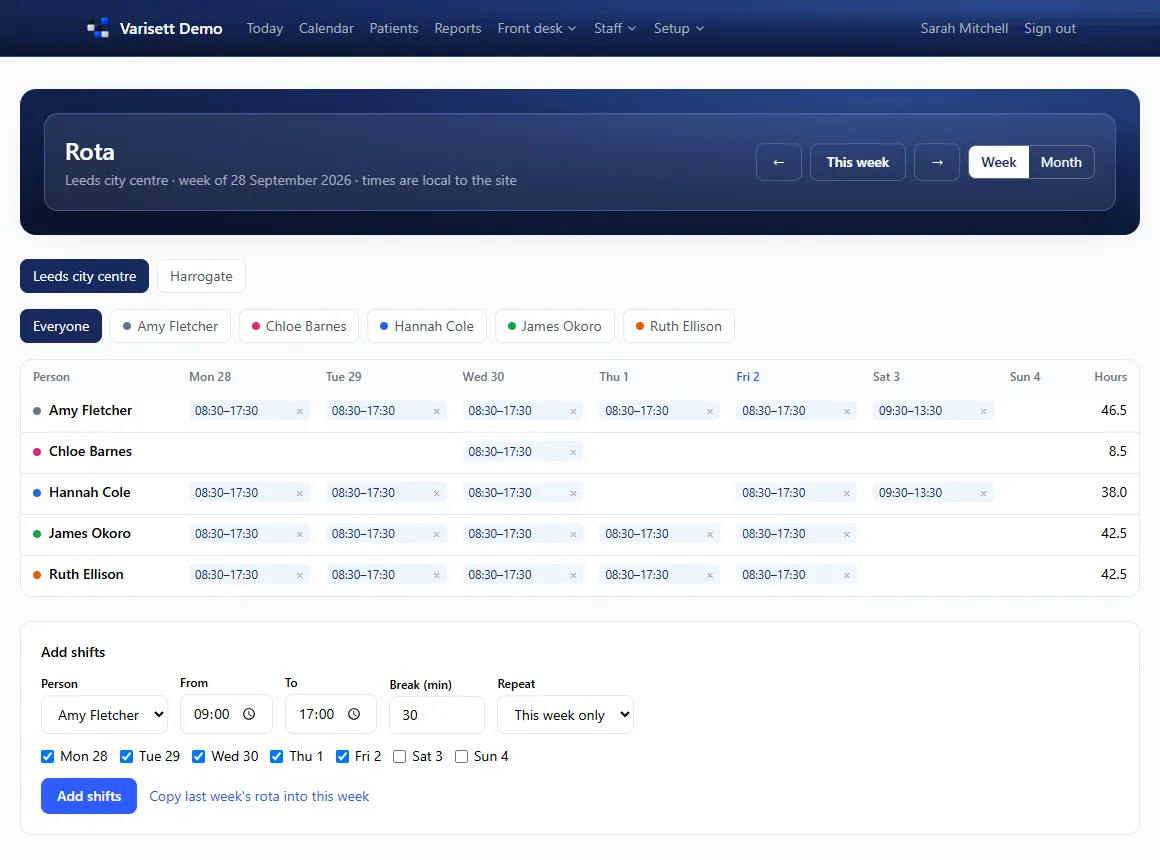
Varisett Bookings runs appointments across one or many sites: the diary, the rota, clients, deposits and invoices, and reminders from your own mailbox. These guides cover setting it up and each role's day.
The director has everything. Everyone else gets one or more roles, and one person can hold several. You can rename the roles to your own job titles; what each one can do stays the same.
| Role | What they do | Guide |
|---|---|---|
| Director | Everything, plus business settings, payments and team logins. | Getting started as the director |
| Manager | Runs their sites: services, rooms, staff, rota, leave, attendance, messages and reports. | Running your sites (managers) |
| Reception | Books, moves and cancels appointments, checks people in and out, takes payment, keeps client records and the waiting list. | Front desk: booking, check-in and payment |
| Practitioner | Sees their own diary and clients, clocks in and out, and asks for leave. | Your diary and shifts (practitioners) |
| Finance | Invoices, payments, payment settings and reports. | Front desk: booking, check-in and payment |