The diary
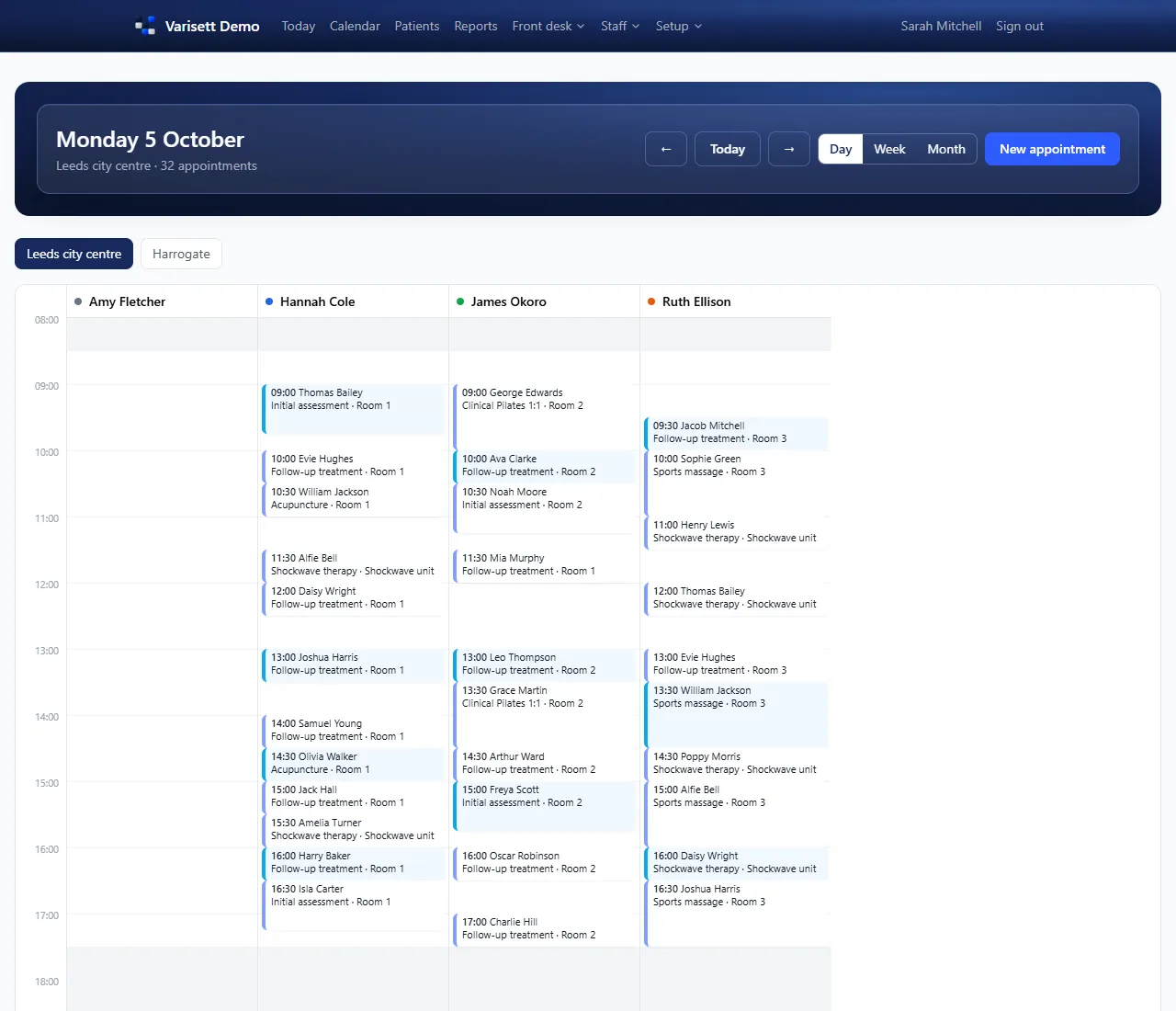
Calendar shows a site's day with a column per person, or the week or month. Filter to one person. The colours are each person's diary colour.
Book an appointment
- Calendar → New appointment, or click a free time in the diary.
- Choose the client, the service and, if it matters, the person.
- Only times that work are offered: the person is on the rota, has the skill, isn't on leave or booked, a suitable room is free and the site is open.
- Also use Varisett FSM or Staffing? Times when the person is busy there (an FSM job, a shift) aren't offered either, and booking one anyway asks you to confirm, like booking someone off the rota.
- If the service takes a deposit, a deposit invoice is made; send the client its link to pay.
Good to know: Confirmations and reminders go automatically from your own mailbox if your manager has switched them on.
On the day
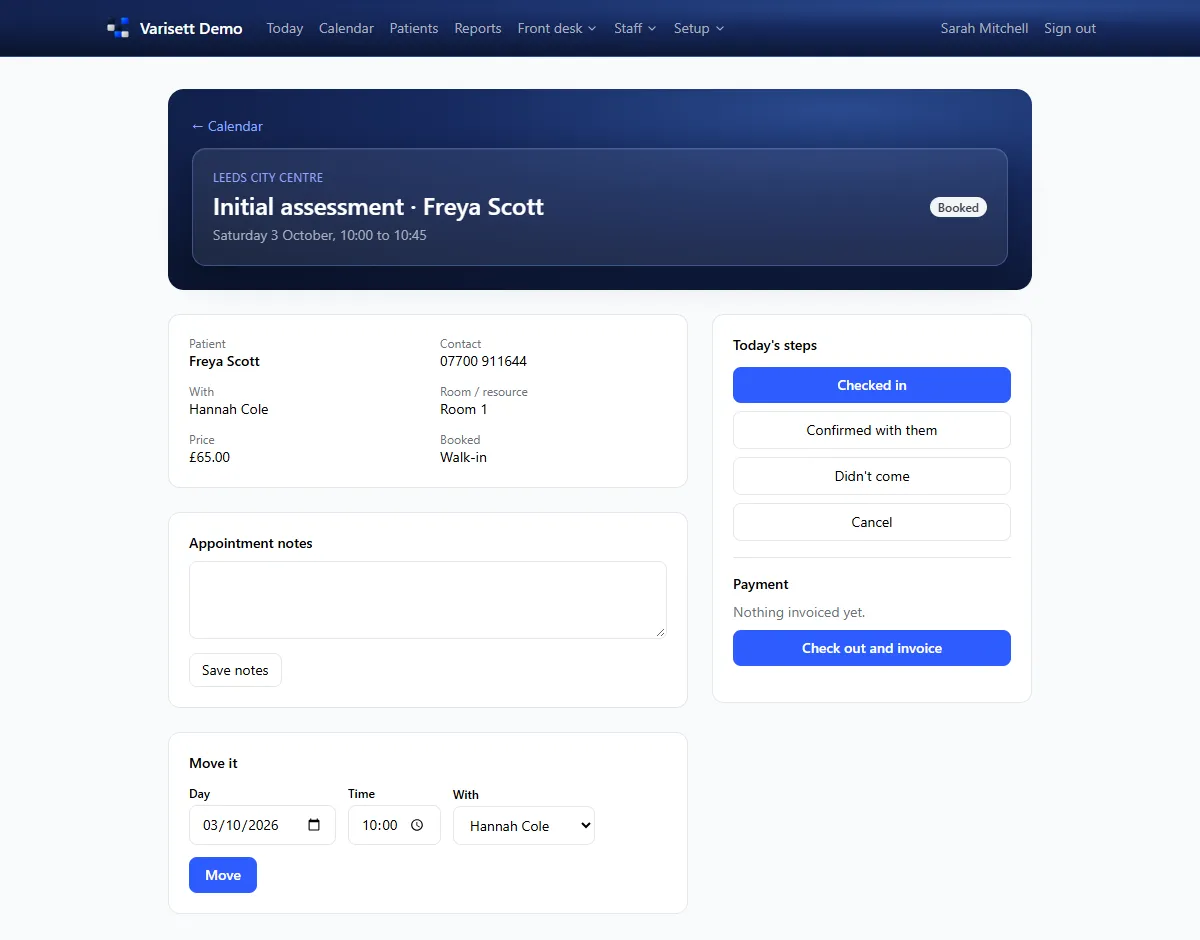
- Open the appointment: Checked in when they arrive (or Didn't come).
- Check out and invoice: the invoice is made with any deposit taken off.
- Record the payment: card machine, cash, transfer or online.
Move or cancel
Move it from the appointment (day, time, person) or drag it in the diary. Cancelling sends the cancellation message if it's switched on, and an unpaid deposit on it is cancelled too.
Clients and the waiting list
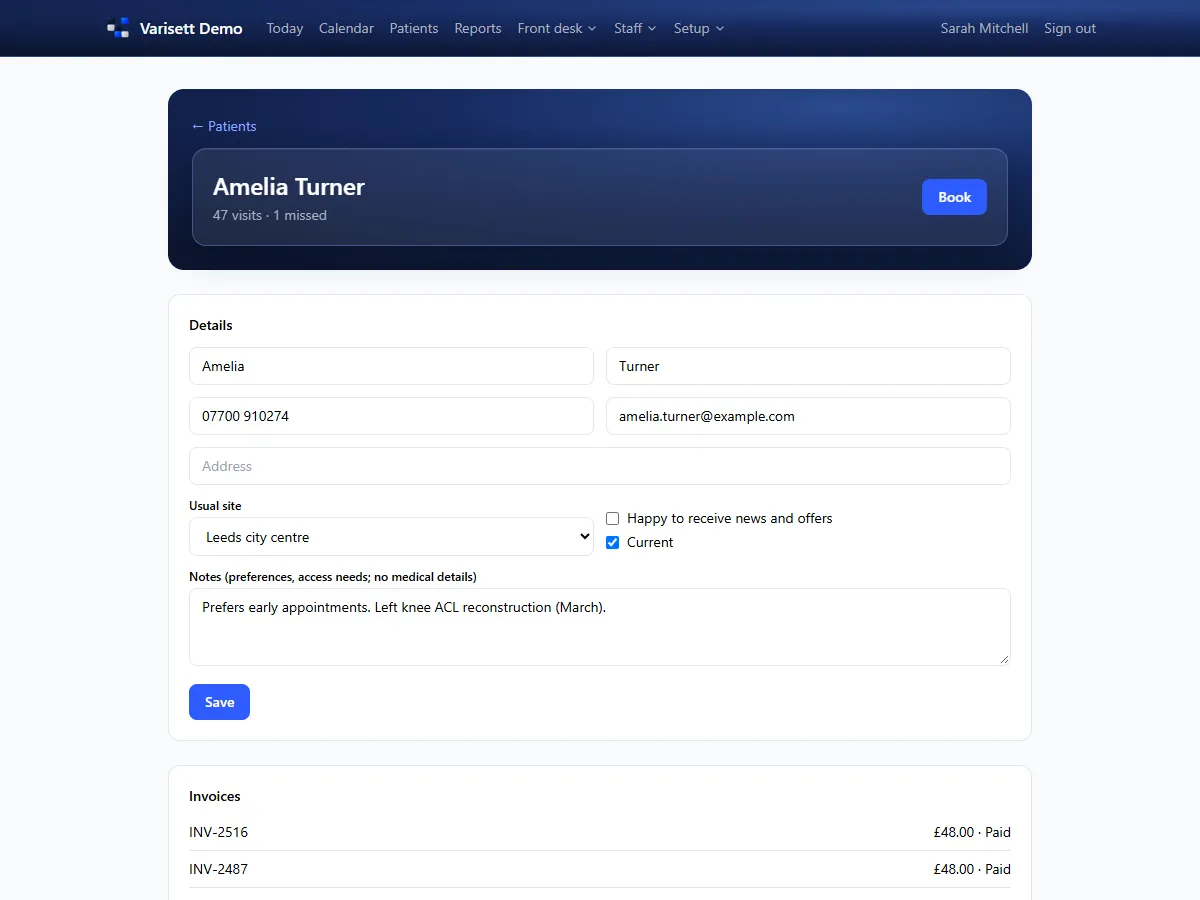
Clients (or your own word for them) holds each person's details, notes, marketing consent and invoices. Clients → Waiting list keeps people who want a sooner slot, with when they can come; book them straight in when one opens.
Also use Varisett FSM, Warehouse or Staffing? Their customers are listed under your clients, to add with one click, and a client's page suggests any with the same email or phone to link. Linked, their email and phone stay the same everywhere (and the address with FSM); notes and marketing consent stay in Bookings.
Also use Varisett Marketing? An enquiry its inbox passes on to you shows at the top of the Clients page under "Passed to you", with their note: add them with one click (or open the one you already have) and take it from there.
Invoices (reception and finance)
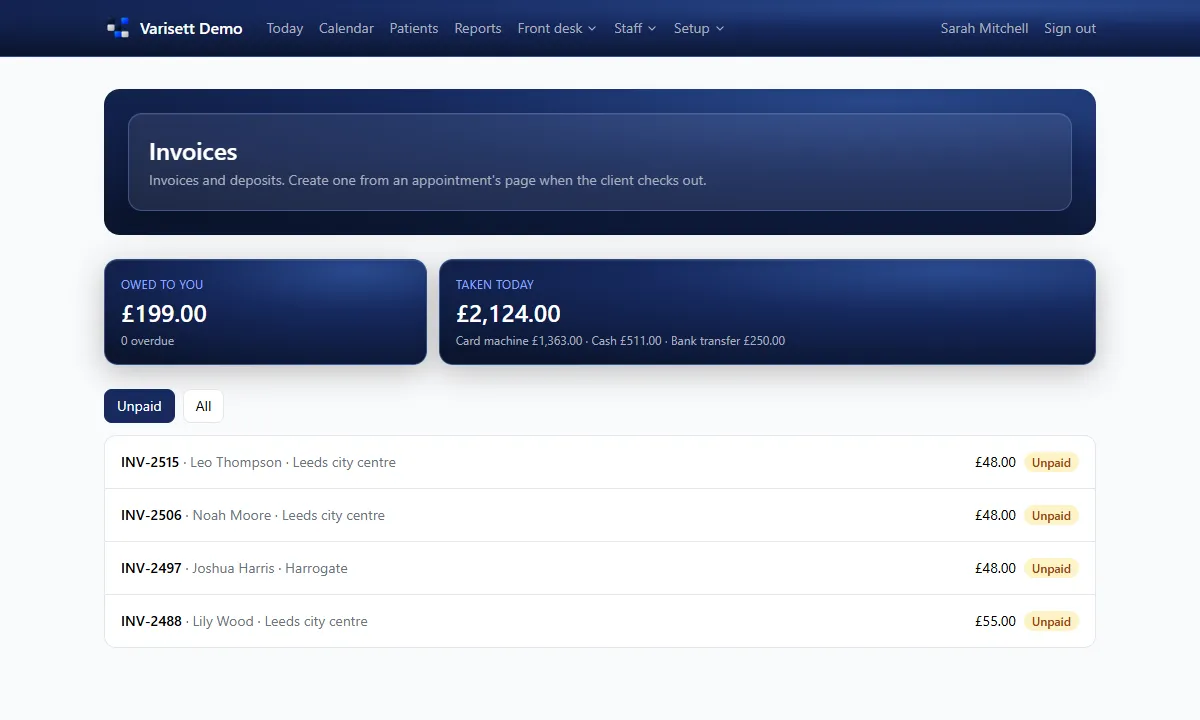
Clients → Invoices lists what's owed and paid. Each invoice has a link the client can open to see it and pay.
Using more than one Varisett platform? Directors and finance see what's owed on each of them at the top of this page, with a download of every invoice as one spreadsheet; and a customer's page shows their statement across every platform they buy from.
Screens show the real Varisett Bookings with made-up example data. Your own system carries your name, logo and colour.