What it looks like
The screens you'll use
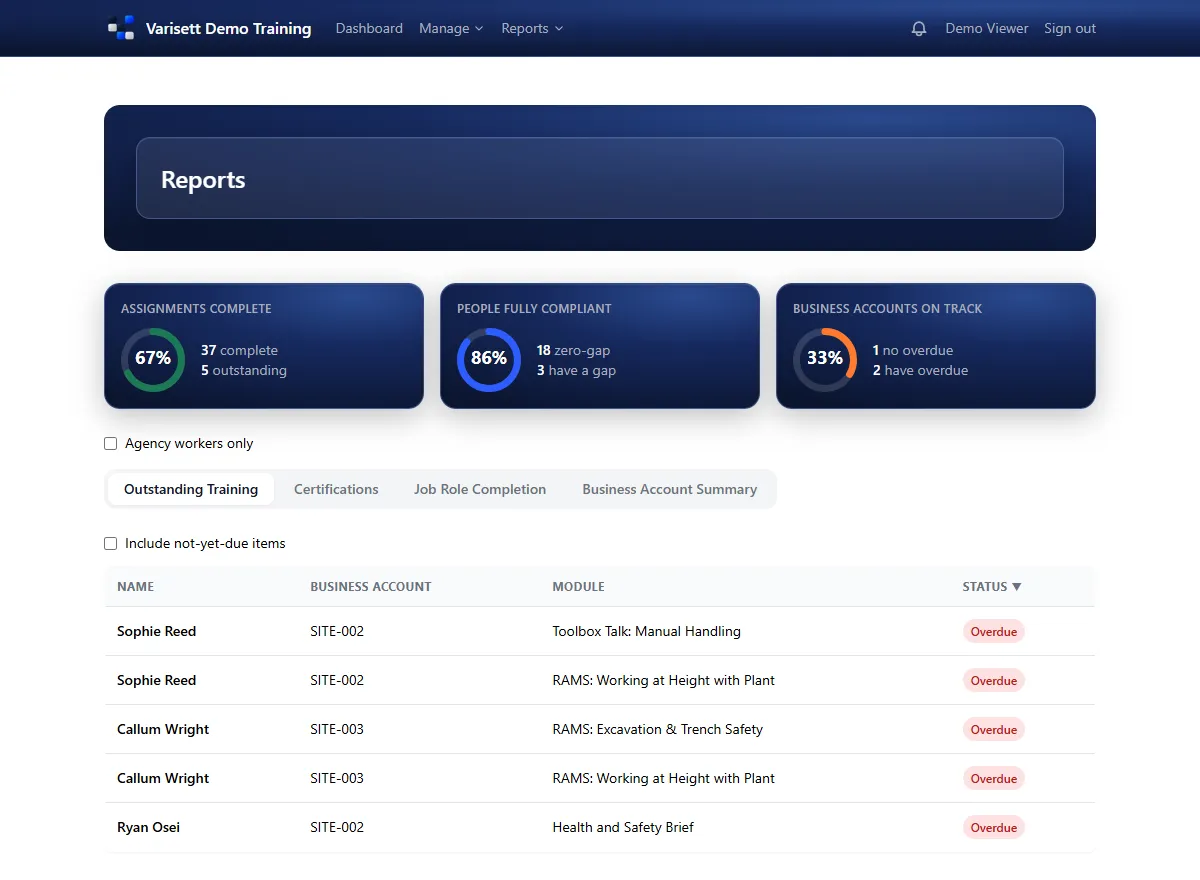
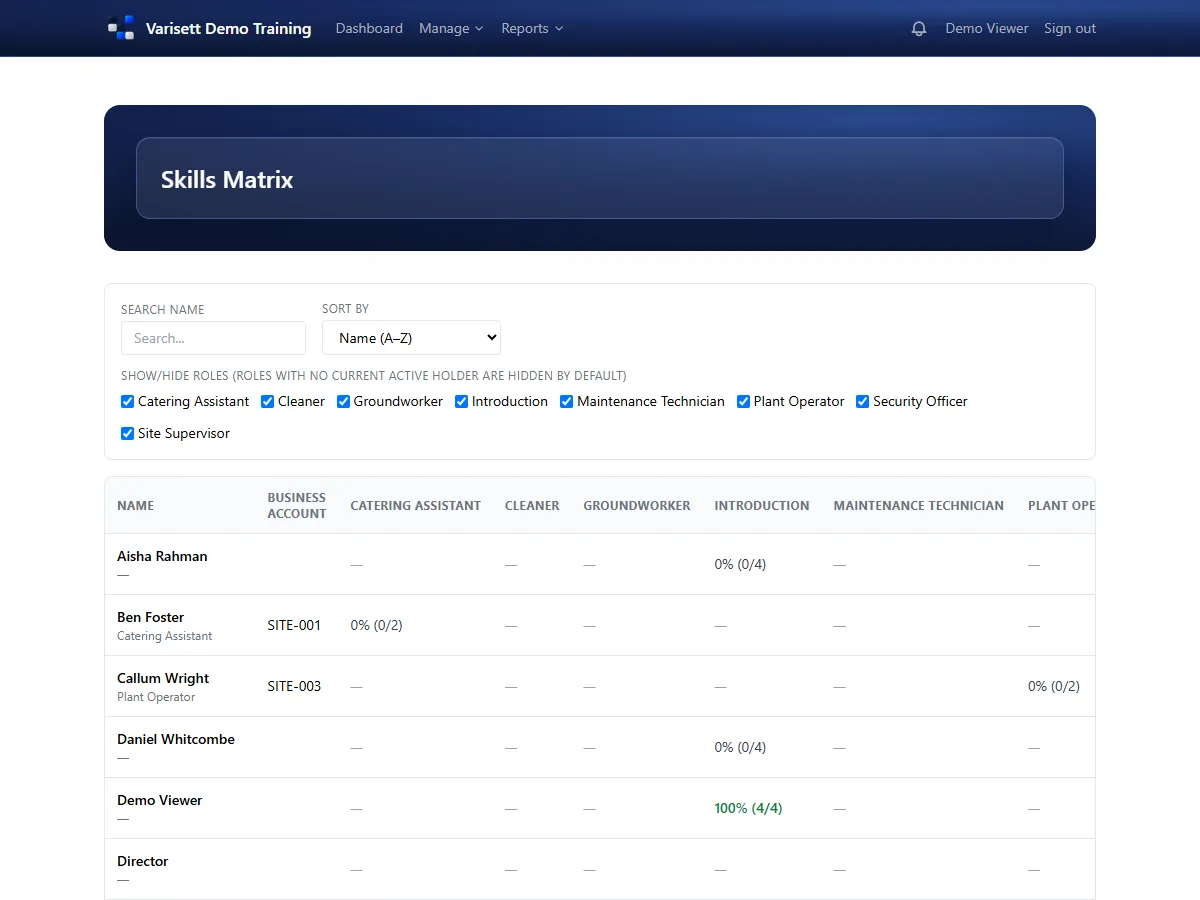
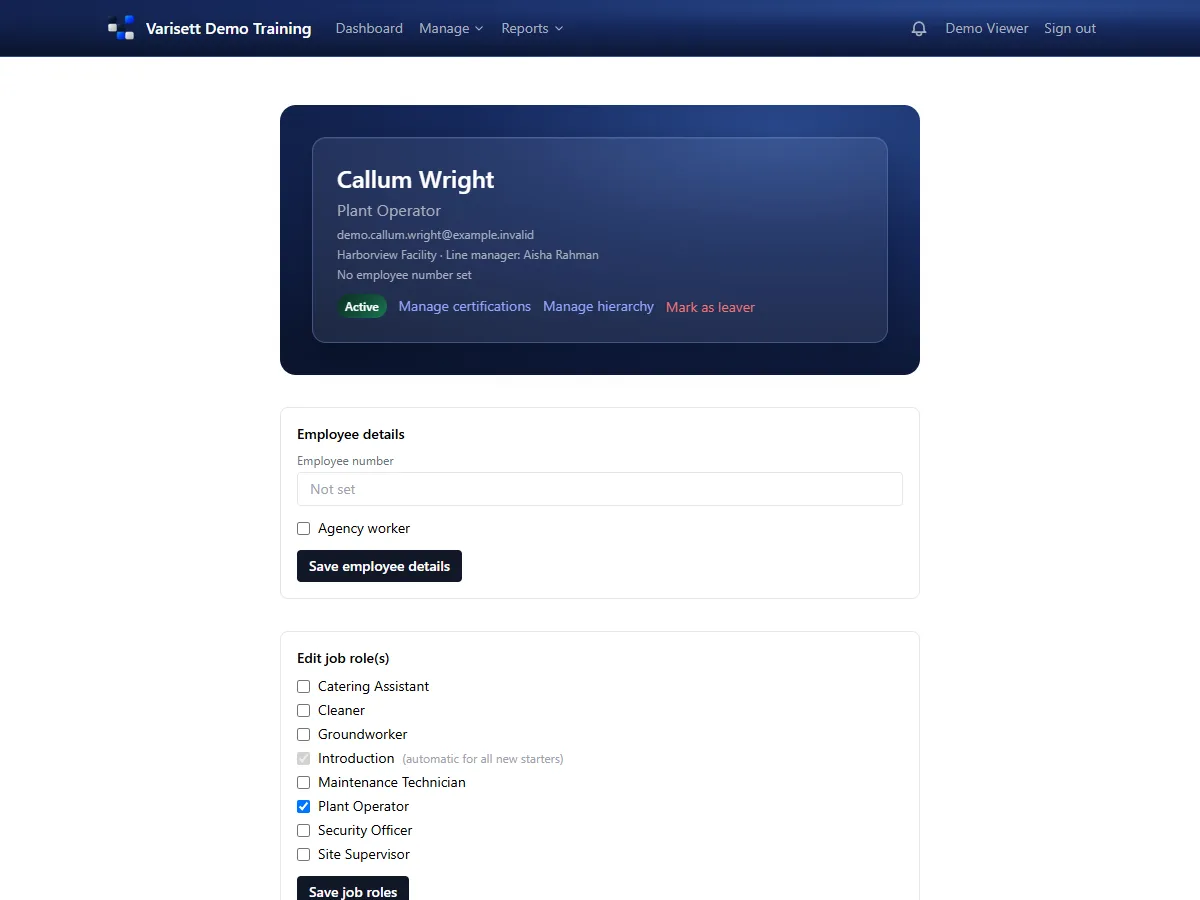
Varisett LMS assigns training by job role, tracks certificates and licences with their expiry dates, and shows managers who's up to date. These guides take you from your first sign-in to running it week to week.
The director has everything. Everyone else gets one or more roles, and one person can hold several. You can rename the roles to your own job titles; what each one can do stays the same.
| Role | What they do | Guide |
|---|---|---|
| Director | Owns the account. Branding, company settings and everything else. | Getting started as the director |
| Admin | Builds the training: modules, job roles, certification types, departments. Adds people and sees every report. | Building your training (admins) |
| Line manager, contracts manager, area manager | Add new starters, give their people job roles and training, and see reports for the departments they look after. | Managing your team's training (managers) |
| Reviewer | Read-only access to people, reports and settings, for an auditor or head office. Can't change anything. | Managing your team's training (managers) |
| User (employee) | Does their own training and keeps their certificates up to date. | Doing your training (employees) |