Make a training module
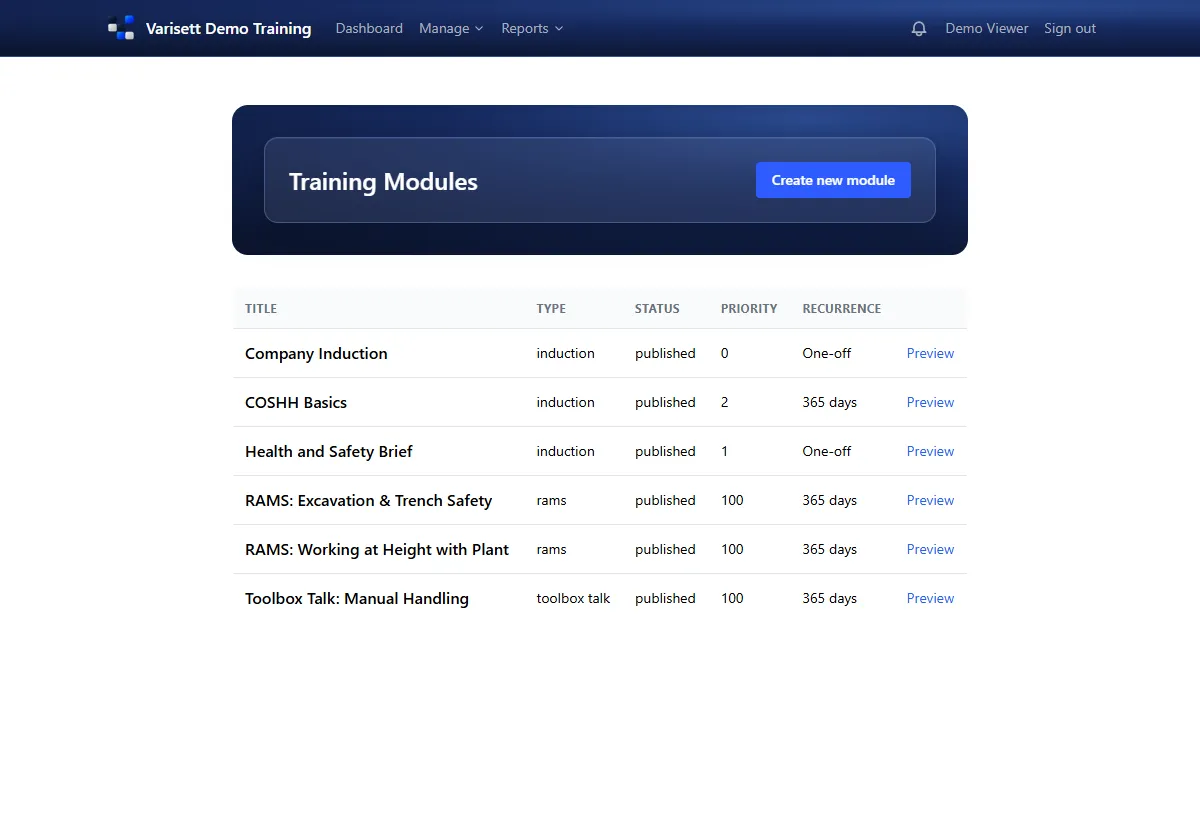
- Training → Training modules → Create new module.
- Give it a title and a type: induction, RAMS, toolbox talk or other.
- Choose the format: a video (paste its link), a PDF (upload it) or text (write or paste it).
- Add a quiz if you want one, up to 20 questions, each with its options and the right answer. To pass, every answer must be right; people can try again.
- Set a recurrence in days for training that must be redone (365 for yearly), or leave it blank for one-off training.
- Set a priority (lower numbers come first) and publish it. Drafts aren't given to anyone.
Set up certification types
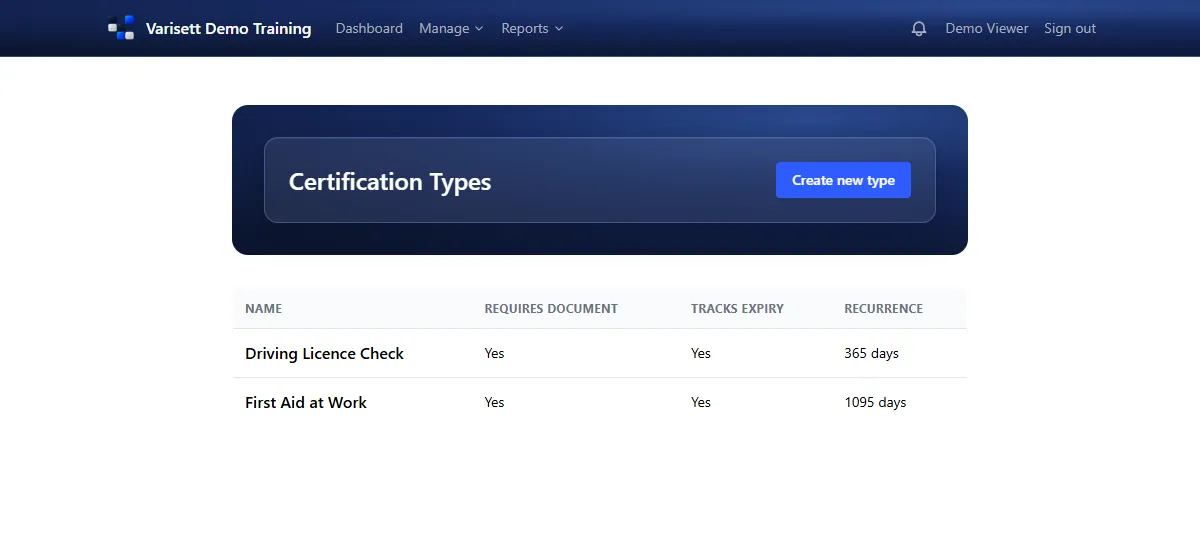
- Training → Certification types → Create new type.
- Say whether a document (a scan of the card or certificate) is needed and whether it expires.
- Set how often it's renewed. Expiry dates then show on each person's record and in Reports → Reports (the Certifications tab).
- Also use Varisett FSM, Bookings or Staffing? Each can count one of your certification types: FSM as an engineer's certification, Bookings as a staff skill, Staffing as a worker's qualification. Record it once here and it counts there too.
Set up job roles
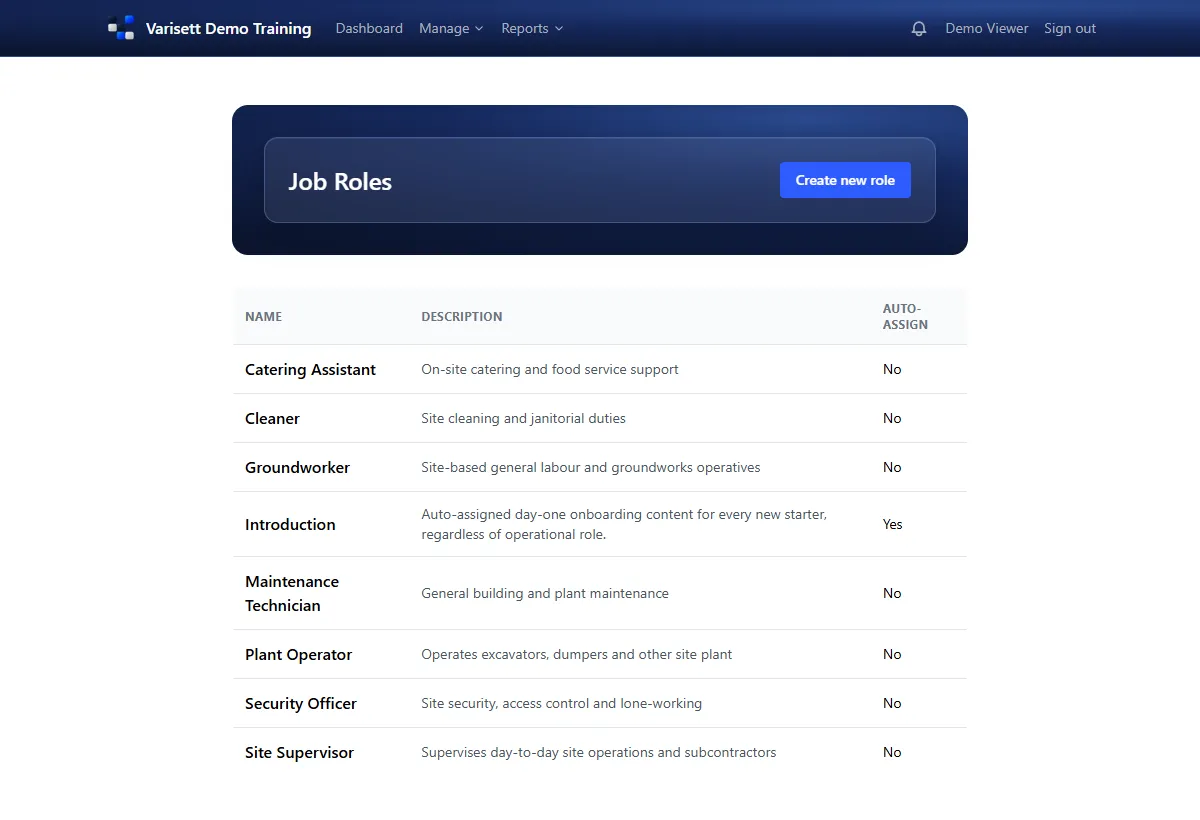
A job role is a list of modules. Everyone with the role gets them, and anyone given the role later gets them too.
- Setup → Job roles → Create new role.
- Name it, describe it, and choose its modules.
- Tick "auto-assign" on one role (usually an induction) to give it to every new starter.
How training is given out
Role training doesn't land all at once. Each person gets their training as a steady queue, about one item a week, most important first, so nobody faces twenty modules on their first day.
Training with a recurrence comes round again when it's due.
Assign training outside job roles
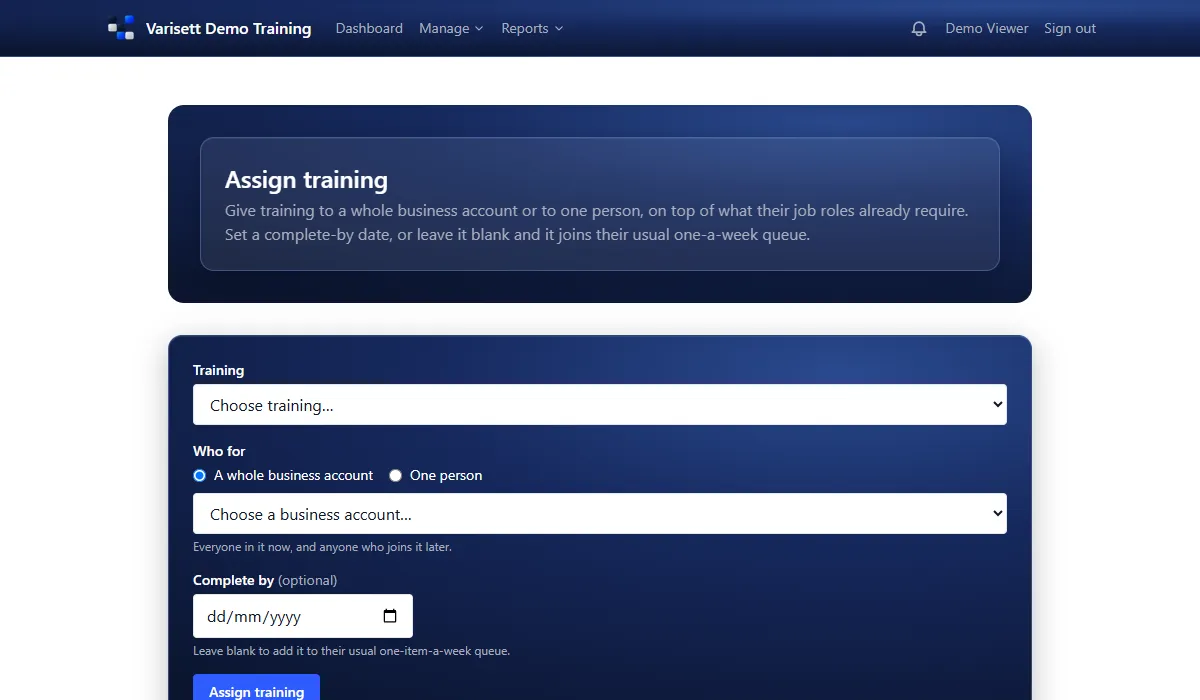
- Training → Assign training.
- Choose the module, then a whole department or one person.
- Set a complete-by date if it can't wait, or leave it blank to add it to their usual queue.
Keep the hierarchy right
People → Hierarchy shows each person's level and department. Open someone to change their line manager or move them to another account.
Check coverage
Reports → Skills matrix shows everyone against every role's training with a completion figure for each. Roles nobody holds are hidden until you tick them.
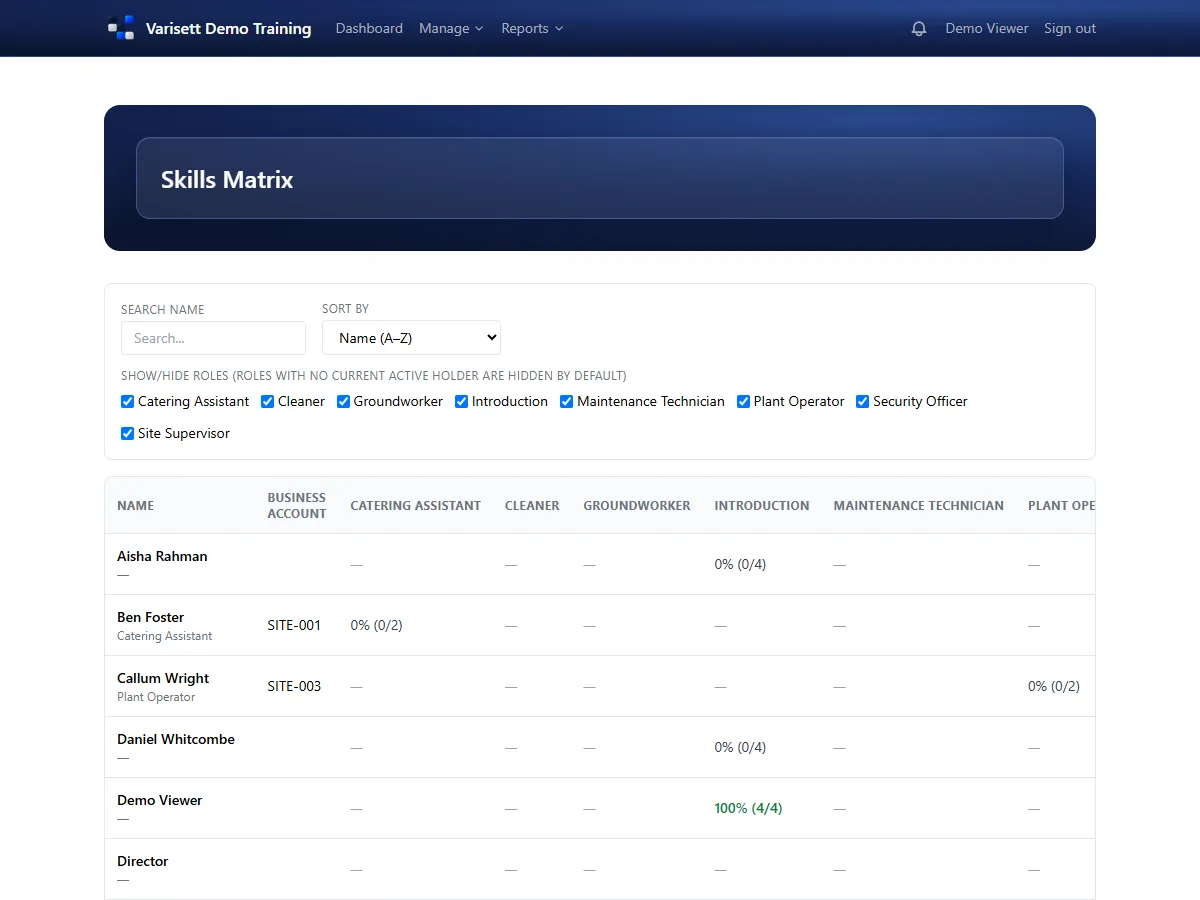
Screens show the real Varisett LMS with made-up example data. Your own system carries your name, logo and colour.