What you can see
People → My team lists the people in the departments you look after, with their roles, what they've completed and anything overdue. Reports covers the same people.
What you can change depends on your level. Line managers can add new starters, give job roles and assign training. Contracts and area managers can also move people between departments. Reviewers see everything and change nothing.
Check a person's record
- Open People → My team and click a name.
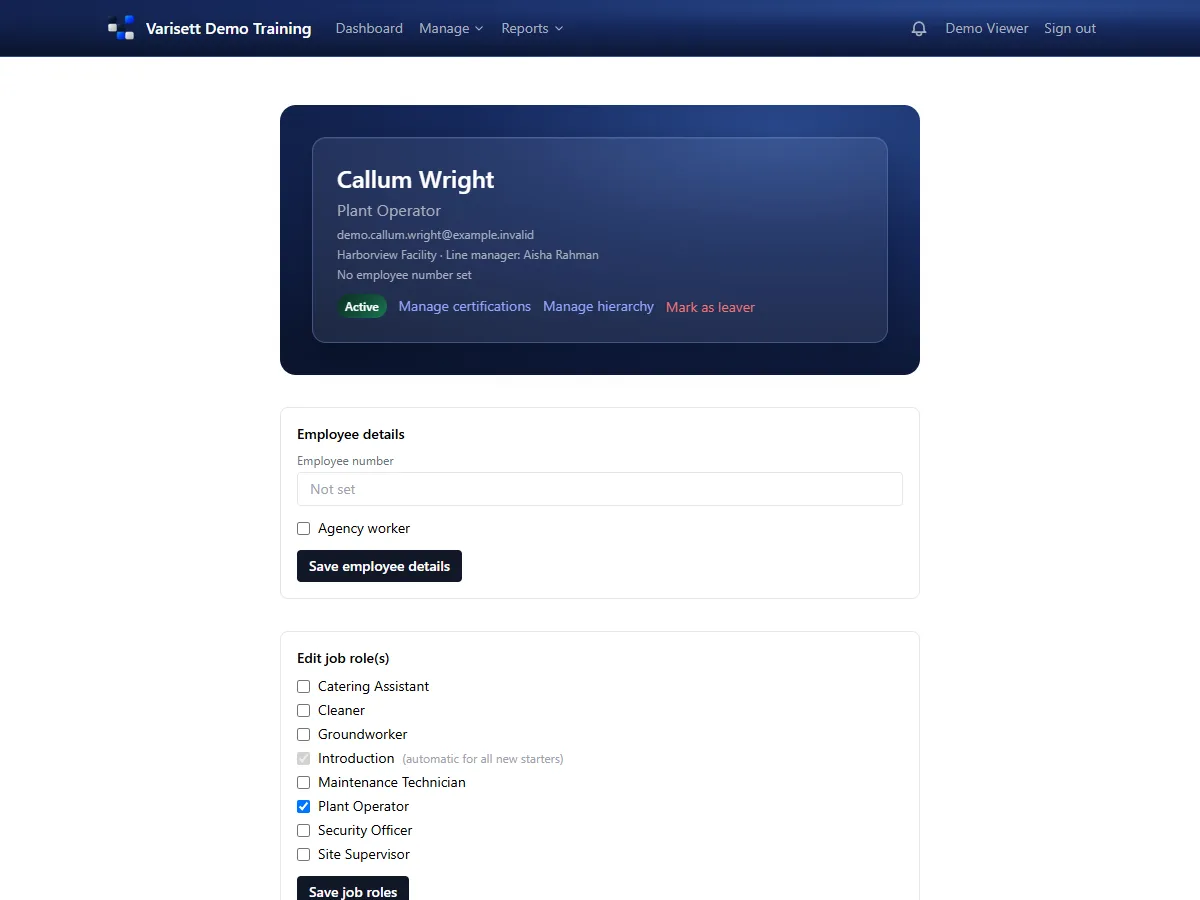
- You'll see their job roles, line manager and department, and each piece of training with its status.
- Use Manage certifications to add or renew a certificate, with its expiry date and a scan if the type needs one.
Add a new starter
- People → Add new starter.
- Enter their name and email, choose their department and job roles.
- They're emailed a link to choose their password. Their role training starts arriving straight away.
Chase what's overdue
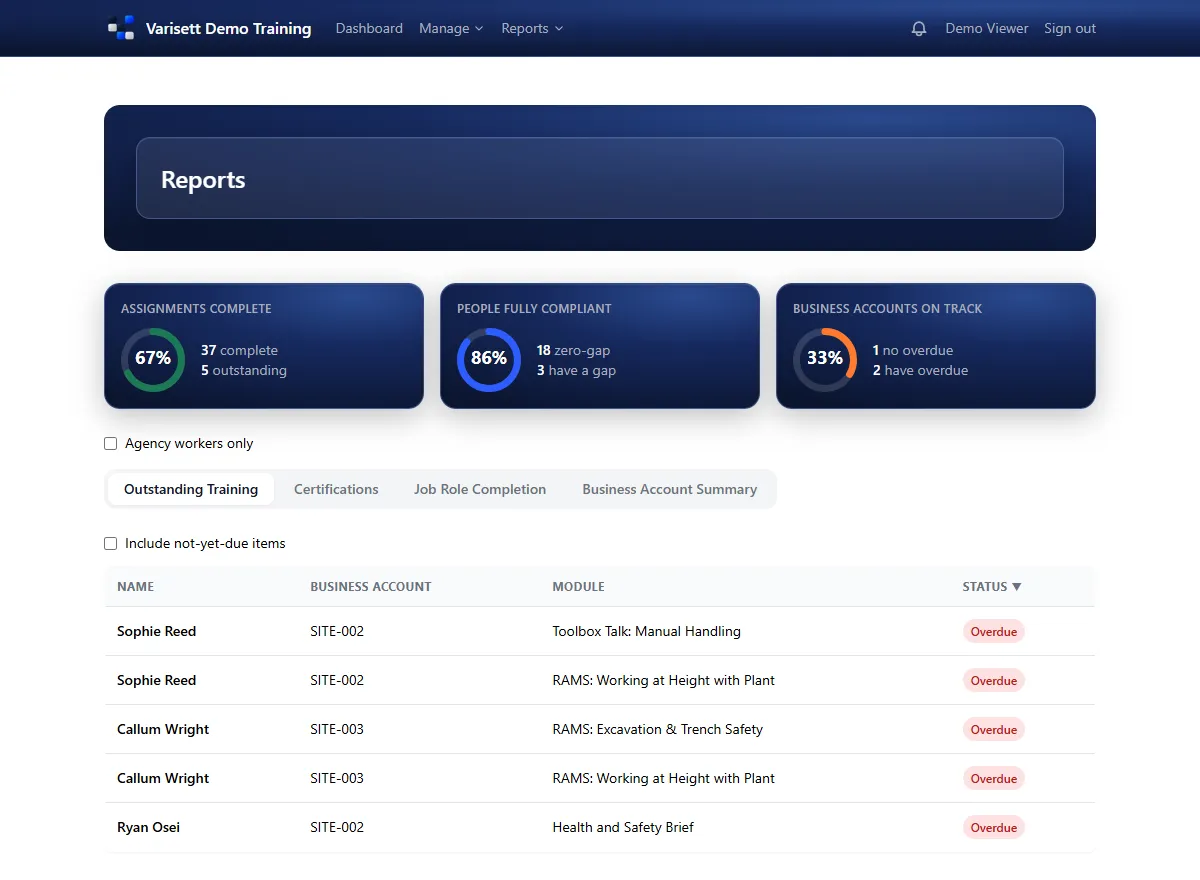
Reports → Reports, on the Outstanding Training tab, lists every overdue item by person, department and module. Tick "include not-yet-due" to see what's coming up too.
The weekly brief
If your director has switched it on, a summary of what's overdue in your team arrives in your notifications (the bell at the top) every week, or however often they've set, so you don't have to remember to look.
Screens show the real Varisett LMS with made-up example data. Your own system carries your name, logo and colour.