Signing in
- You're sent an email with a link. Open it and choose your password.
- From then on, sign in at your company's address with your email and password.
- It works on a phone, tablet or computer. Bookmark the address.
Good to know: Forgotten your password? Use "Forgot password" on the sign-in page and a reset link is emailed to you.
Your page
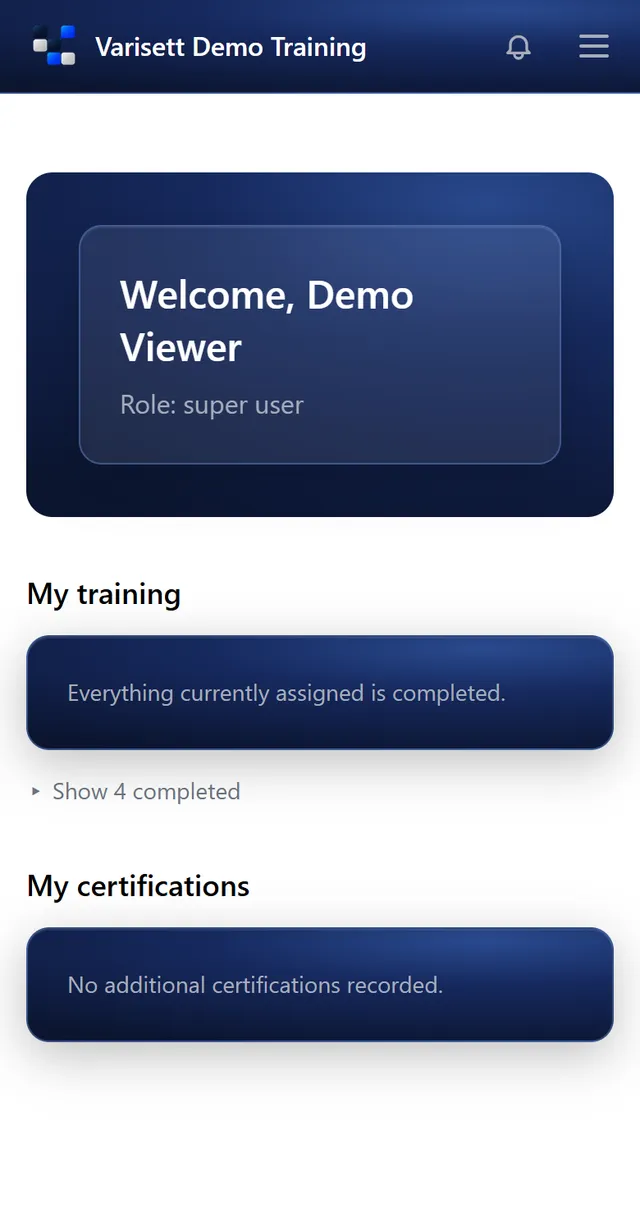
Your dashboard shows the training you need to do, with anything due soon first, what you've completed, and your certifications.
Do a module
- Open it from your dashboard.
- Watch the video, read the document or read the text.
- If it has a quiz, answer every question. You need them all right to pass; if not, look again and retry.
- Once passed it's marked complete, with the date, on your record.
Certificates
Your certificates and licences show on your page with their expiry dates. Your manager adds or renews them; give them the new card or certificate when you get it.
Screens show the real Varisett LMS with made-up example data. Your own system carries your name, logo and colour.