What it looks like
The screens you'll use
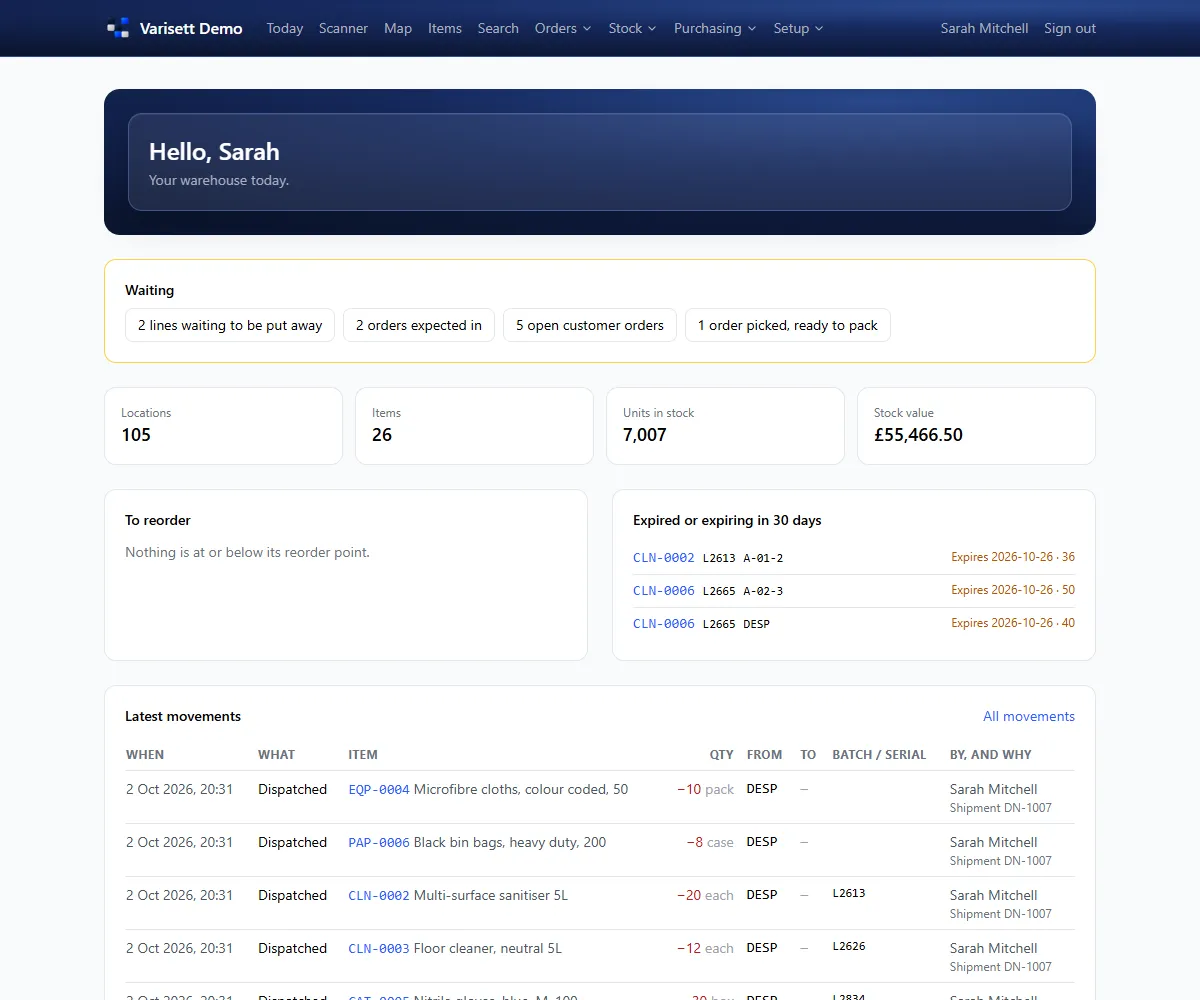
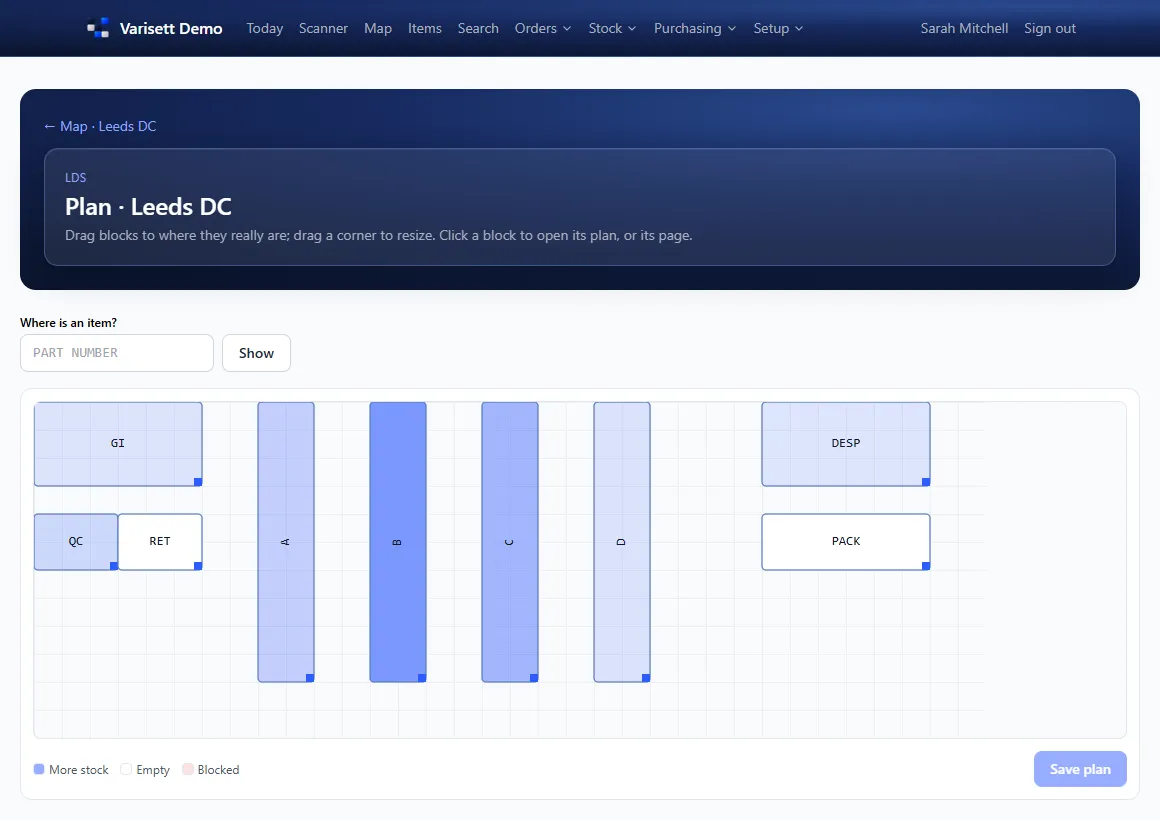
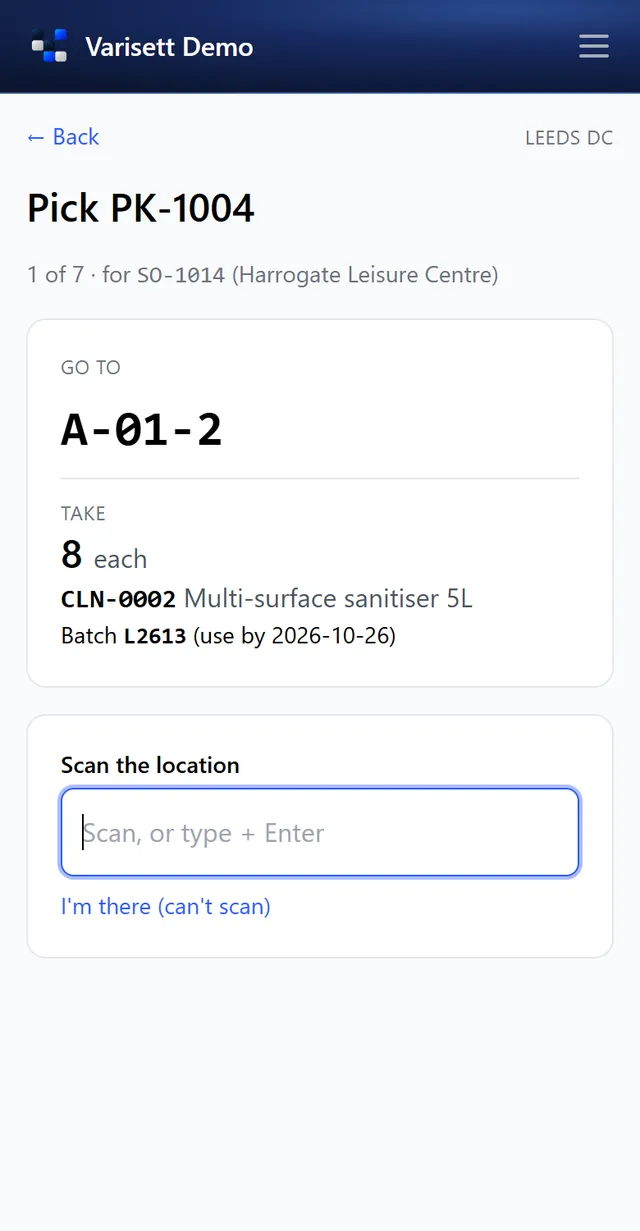
Varisett Warehouse runs a warehouse on a map you draw yourself: goods in, stock, purchasing, customer orders, picking in walk order, dispatch, returns, and optionally manufacturing and 3PL. These guides cover setting it up and each role's work.
The director has everything. Everyone else gets one or more roles, and one person can hold several. You can rename the roles to your own job titles; what each one can do stays the same.
| Role | What they do | Guide |
|---|---|---|
| Director | Everything, plus business settings, team logins, the API and Shopify. | Getting started as the director |
| Manager | Runs the warehouse: the map, items, approvals, counts, staff and set-up. | Getting started as the director |
| Operative | Puts away, moves, picks, counts and tops up pick faces on the scanner. | The scanner (operatives and goods in) |
| Goods in | Receives deliveries and checks them. | The scanner (operatives and goods in) |
| Dispatch | Packs and dispatches orders, with delivery notes. | Orders, picking and dispatch |
| Customer service | Customers, their orders and the portal. | Orders, picking and dispatch |
| Purchasing | Items, suppliers, purchase orders and reordering. | Purchasing, stock control and reports |
| Production | Works orders and builds, when manufacturing is on. | Purchasing, stock control and reports |
| Finance | Stock values, reports, and 3PL charges and invoices. | Purchasing, stock control and reports |