Suppliers and purchase orders
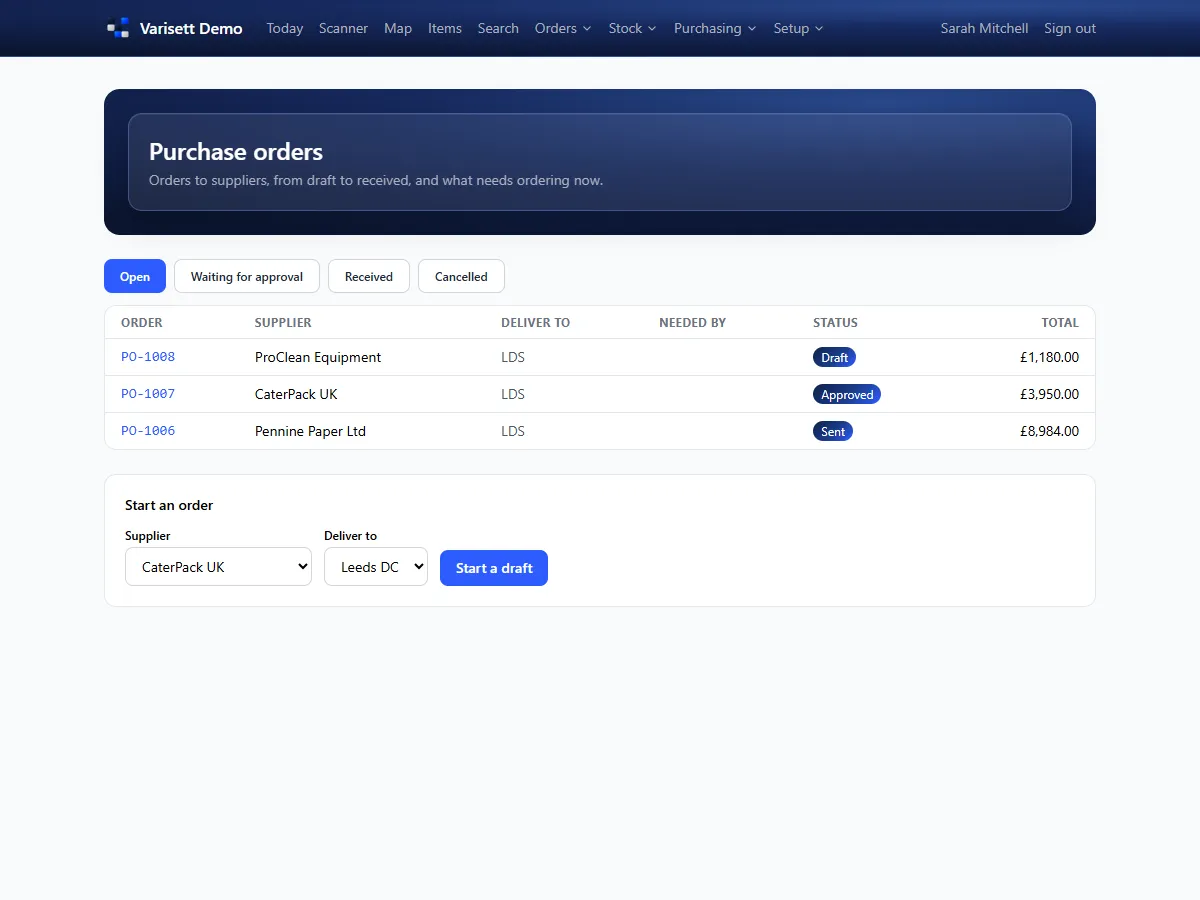
- Buying → Suppliers, with each item's supplier code, price and lead time.
- Buying → Purchase orders → new, or start from the items at or below their reorder point.
- Add extra costs such as freight; they're shared across the lines so stock is valued at what it really cost.
- Orders over the approval limit wait for a manager. Then email it to the supplier.
Counts and approvals
Stock → Counts: count locations, items or a cycle by ABC class, blind if you choose. A manager accepts differences. Stock → Approvals holds adjustments and purchase orders waiting for a decision.
The ledger
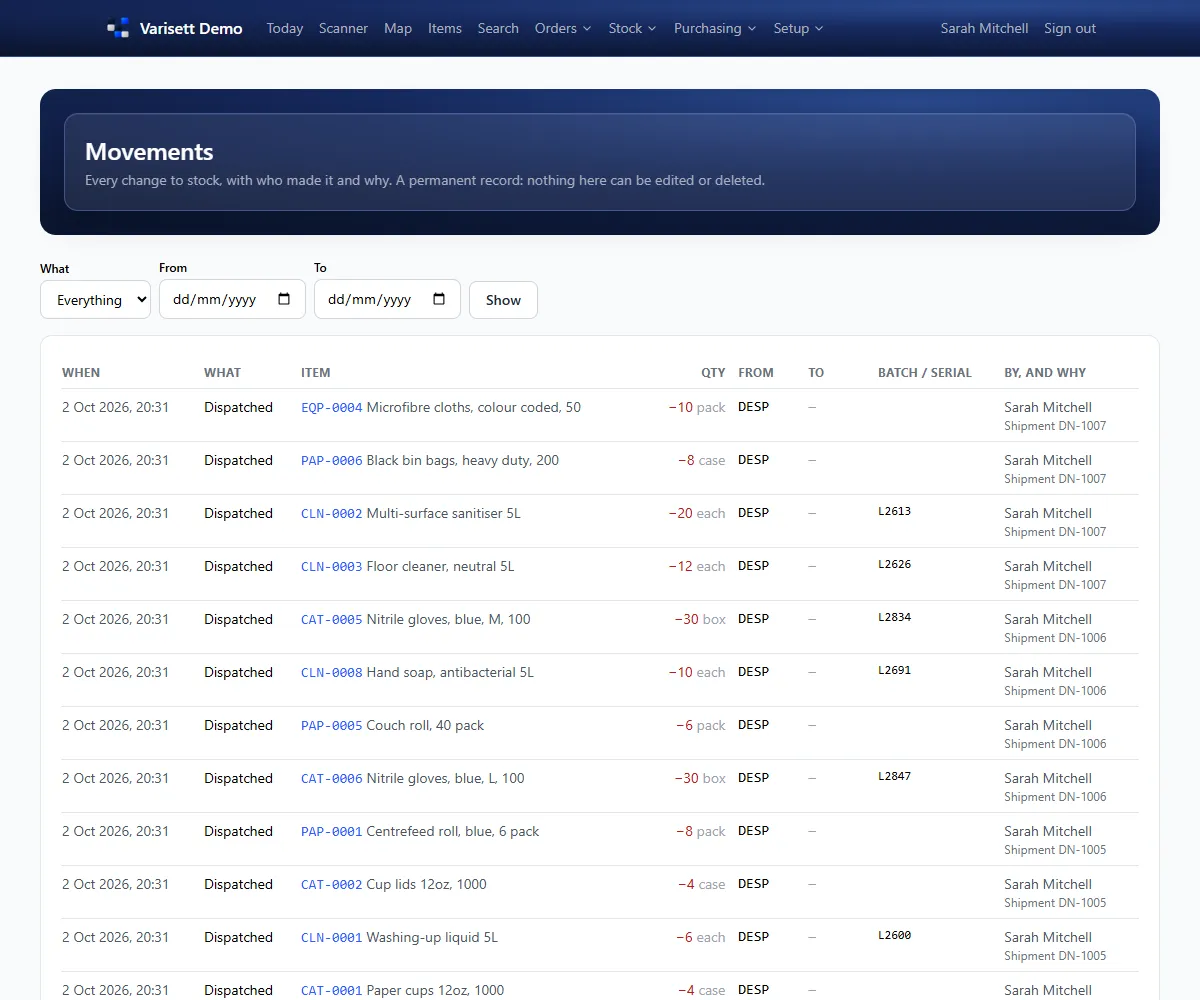
Stock → Movements is every stock movement, who made it and why. Nothing is ever edited or deleted, so stock can always be traced.
Reports
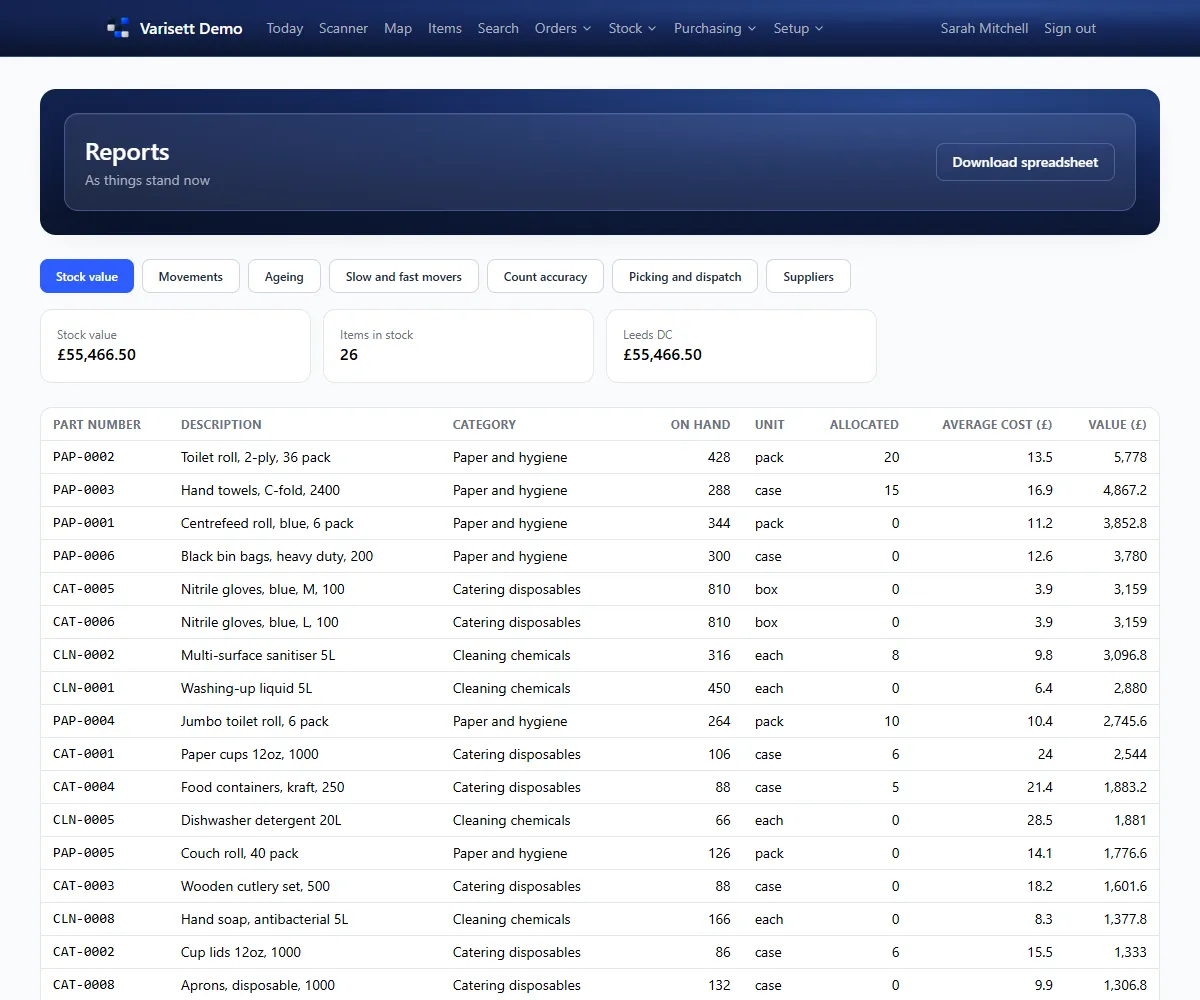
Stock → Reports, for any period and as spreadsheets: stock valuation at weighted average cost, movements, stock ageing, how fast items move and days of cover, count differences, picking by person, and supplier spend and lead times.
Manufacturing (when switched on)
Bills of materials, works orders that show shortages, components picked or pulled to production, and builds recorded by the bill or by actual usage with scrap. Finished goods are costed and traced to their component batches.
3PL (when switched on)
Clients own their own items. They send advance notices of deliveries, see their stock and orders on their portal, and are charged for storage and handling from daily snapshots, with a monthly invoice.
Screens show the real Varisett Warehouse with made-up example data. Your own system carries your name, logo and colour.