Take an order
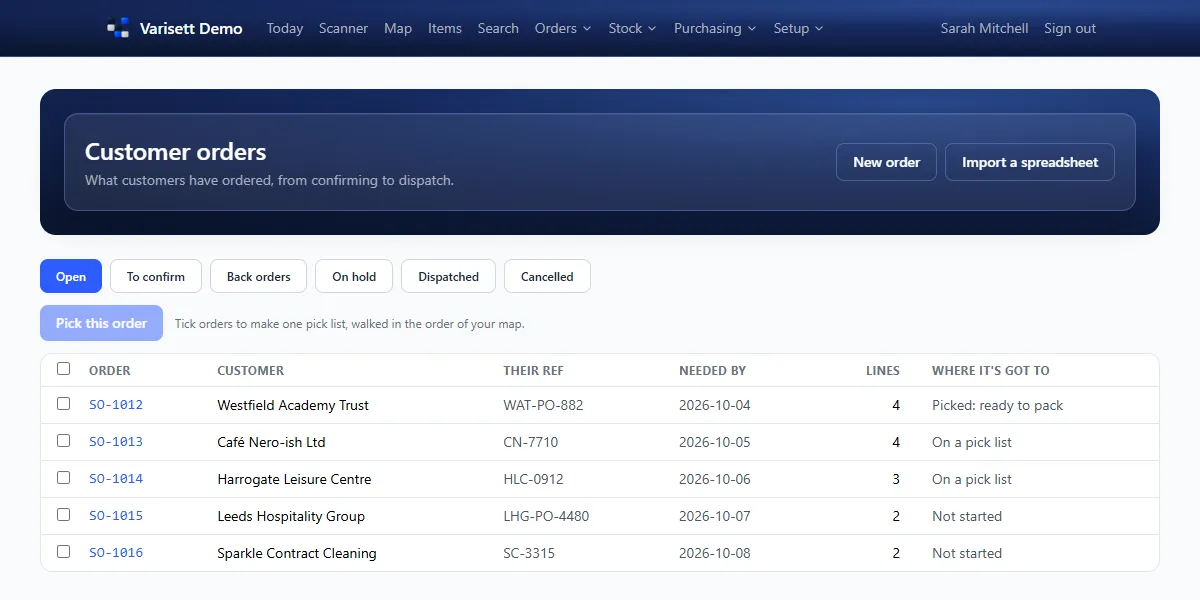
Selling → Customer orders → New order, import a spreadsheet, or confirm one placed on a customer's portal. Shopify and API orders arrive here too.
Also use another Varisett platform (FSM, Bookings or Staffing)? Its customers are listed under yours on the Customers page, to add with one click, and a customer's page suggests any with the same email or phone to link. Linked, their email and phone stay the same on both; delivery addresses stay in Warehouse.
Also use Varisett Marketing? An enquiry its inbox passes on to you shows at the top of the Customers page under "Passed to you", with their note: add them with one click (or open the one you already have) and take it from there.
Reserve and pick
- Open the order and reserve stock (allocate). Anything short goes on back order if you allow it.
- Tick several orders and make one pick list, walked in map order.
- Give it to an operative to pick on the scanner.
Pack and dispatch
- Selling → Packing and dispatch: picked orders ready to pack.
- Add the boxes or pallets with their weights. If scan-checked packing is on, scan every item; a wrong item is caught.
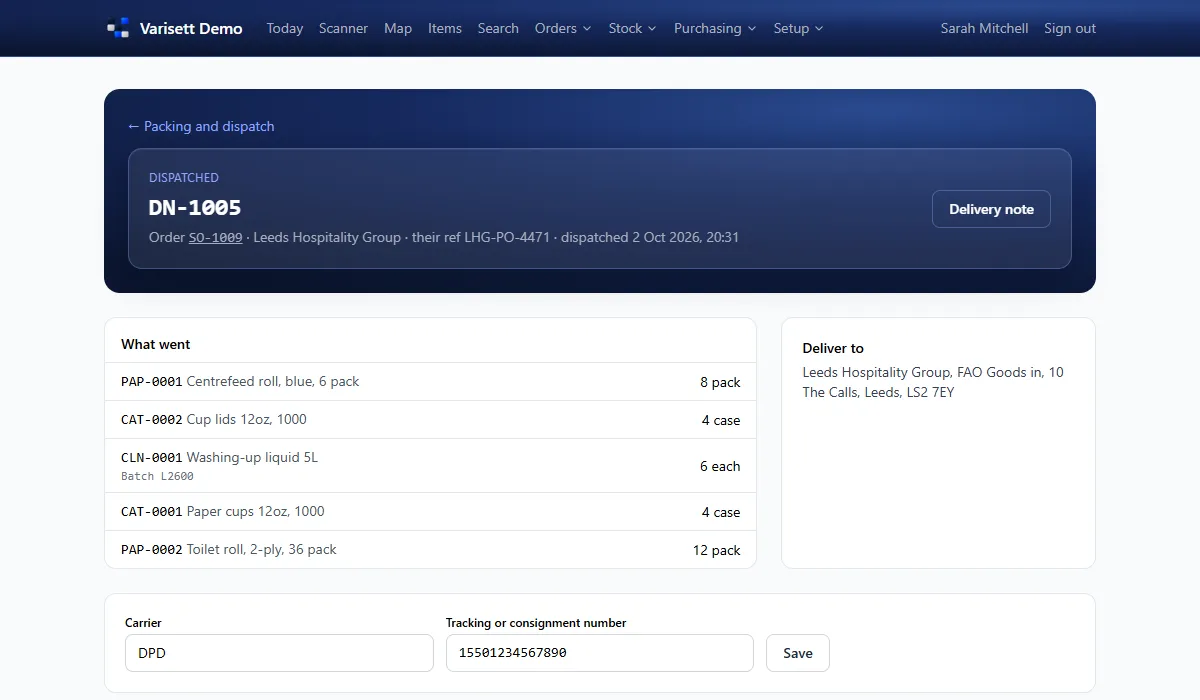
- Type the carrier and tracking number, then dispatch.
- Email the delivery note or copy its link. For your own deliveries, the customer signs on the phone as proof of delivery.
Returns
From an order, Record a return. It's received on the scanner into returns, then put back into stock or written off.
Customers and their portal
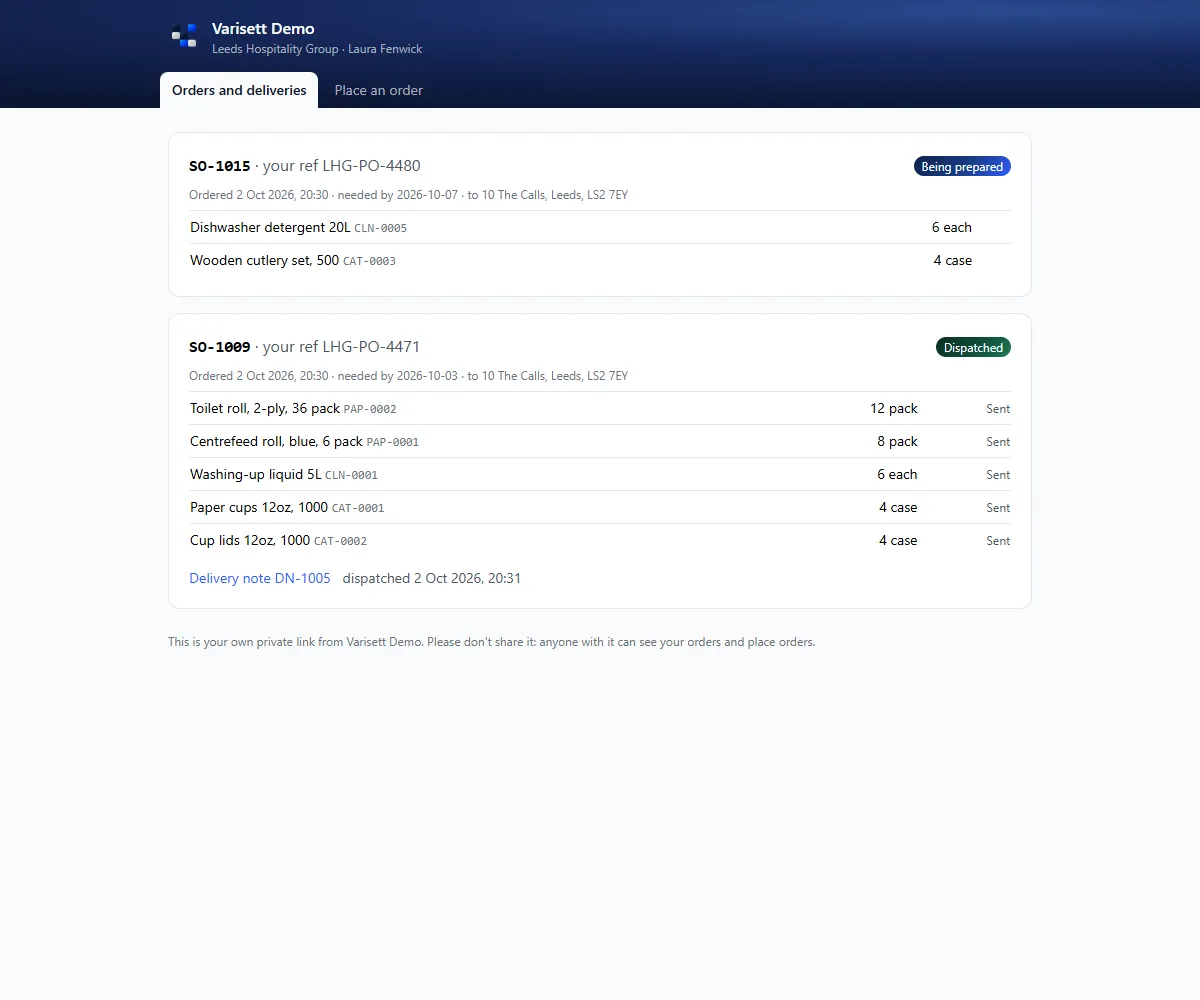
Selling → Customers holds addresses and contacts. Each contact gets a private portal link to see their orders and deliveries and, if you allow it, to place orders.
Screens show the real Varisett Warehouse with made-up example data. Your own system carries your name, logo and colour.