New starters are where training records most often go wrong: a form missed, a course forgotten, a certificate never copied. Here's how one new starter's first weeks run in Varisett LMS.
Day 0: one form
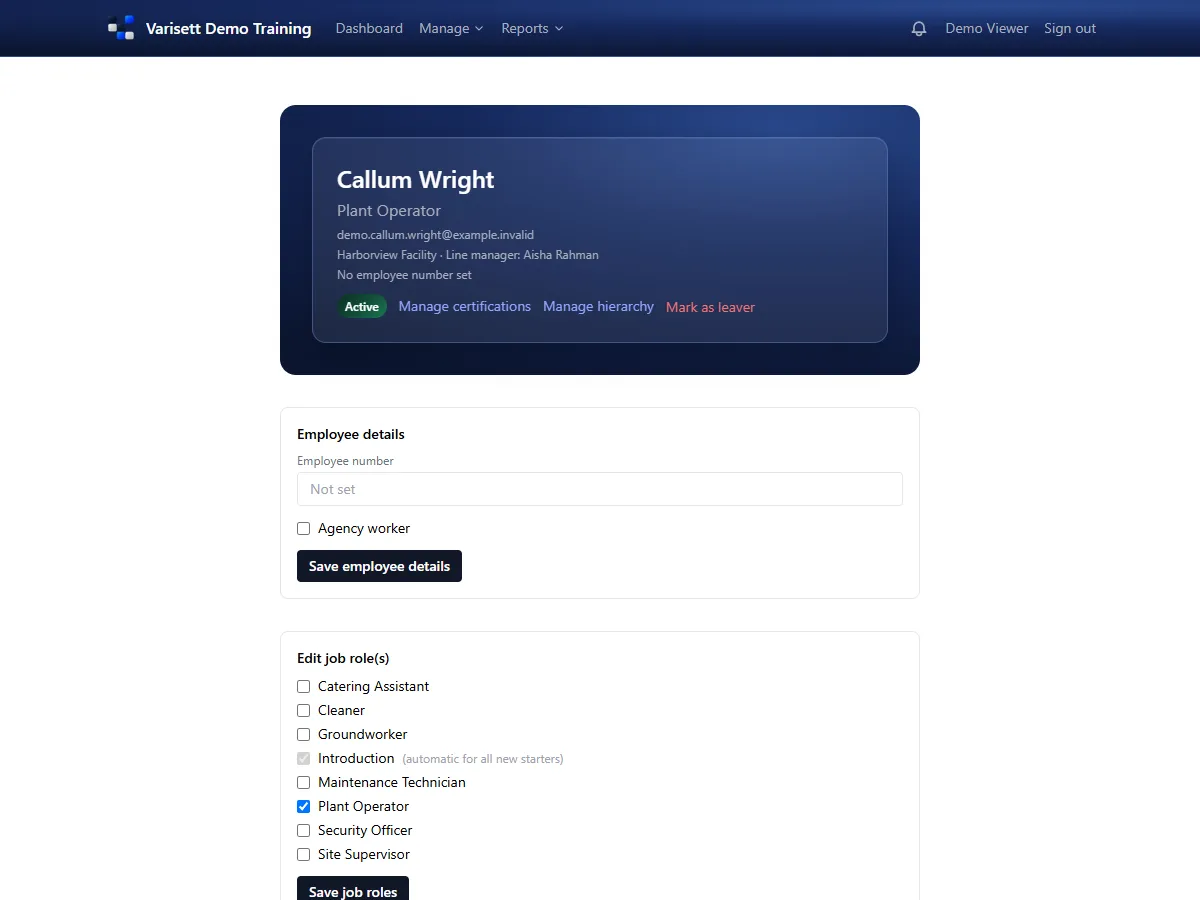
Their line manager opens Add New Starter and fills in their name, email, department and job role, say "Site supervisor". That's all. The new starter gets an email with a link to choose their password.
Day 1: training that fits the job
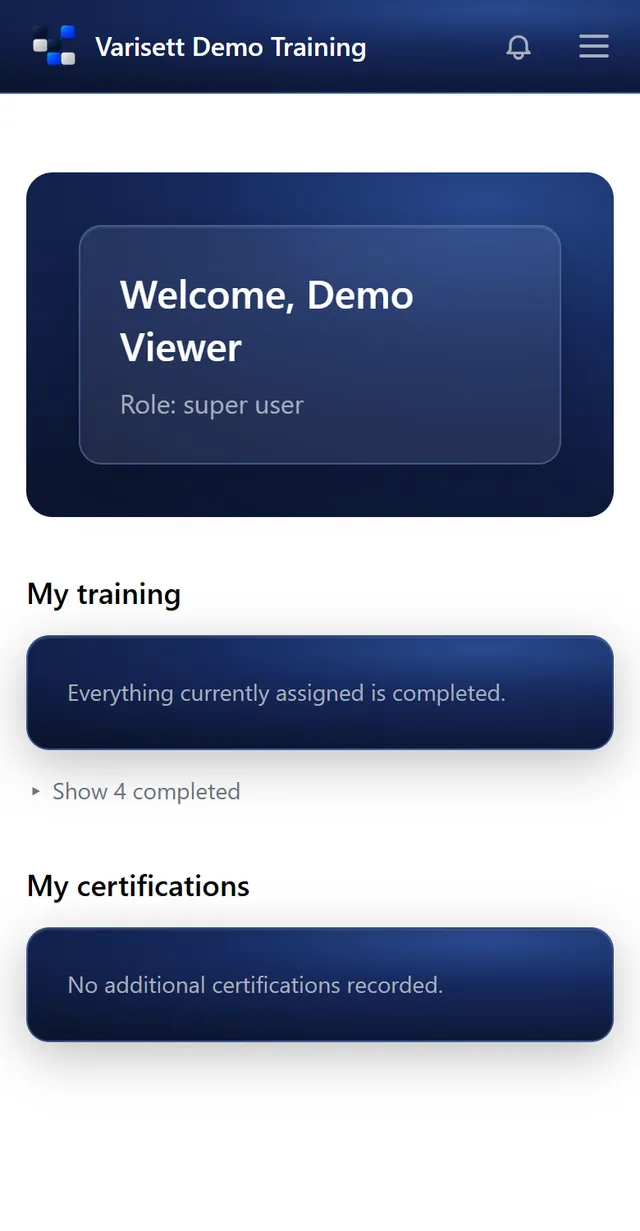
When they sign in, their page shows what they need to do. The induction comes first, because one job role is set to go to every new starter. The rest is everything the Site supervisor role needs: the business set that up once, so nobody builds a list by hand.
The first weeks: one thing at a time
Instead of twenty modules on day one, training arrives as a steady queue, about one item a week, most important first. Finish something early and the next moves forward. Anything urgent can be given a complete-by date.
Each module is the business's own material, a video, a PDF or text, with a quiz at the end if it has one. To pass, every answer must be right; get one wrong and they look again and retry. The pass is recorded with the date.
Certificates
Their first aid certificate and driving licence check are recorded by their manager with expiry dates and a scan, and show amber as they near expiry and red once passed.
What the manager sees
The manager sees their team only: who's done what and what's overdue, and, if the director switched it on, a regular summary in their notifications. Head office sees the whole picture in Reports and the skills matrix.
Try the live demo at varisett.com/lms, or read the guides for directors, admins, managers and employees at varisett.com/help/lms.