What it looks like
The screens you'll use
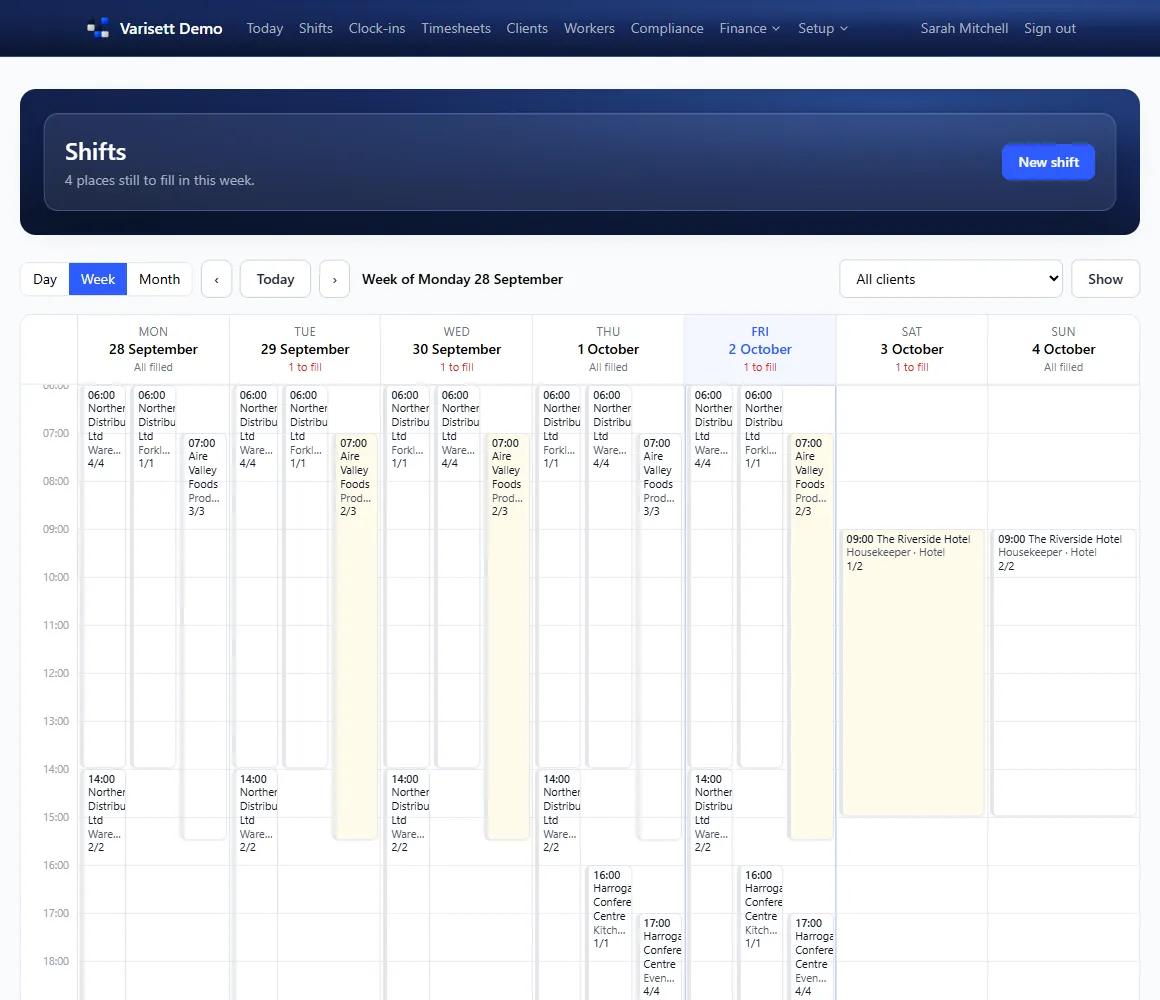
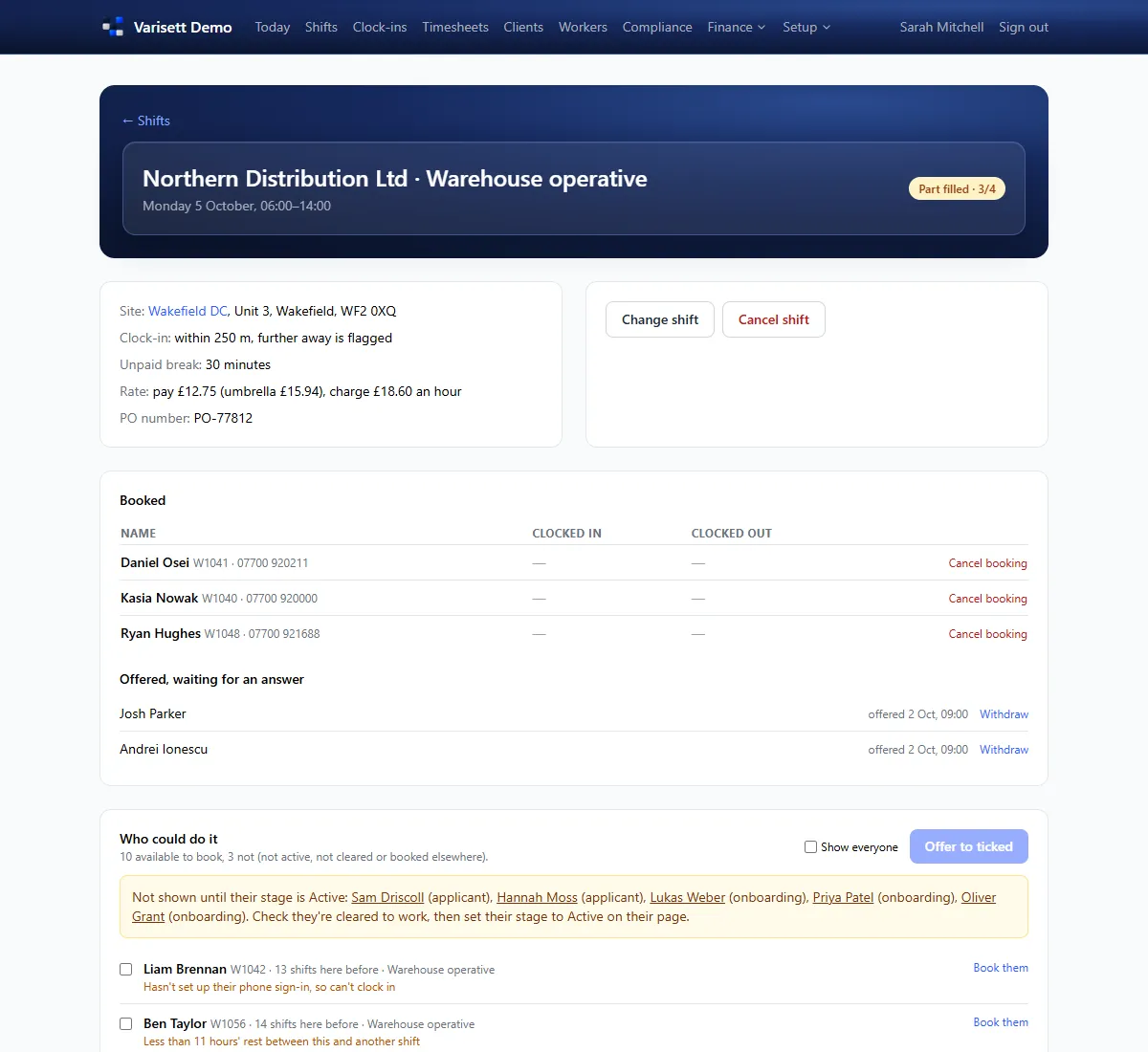
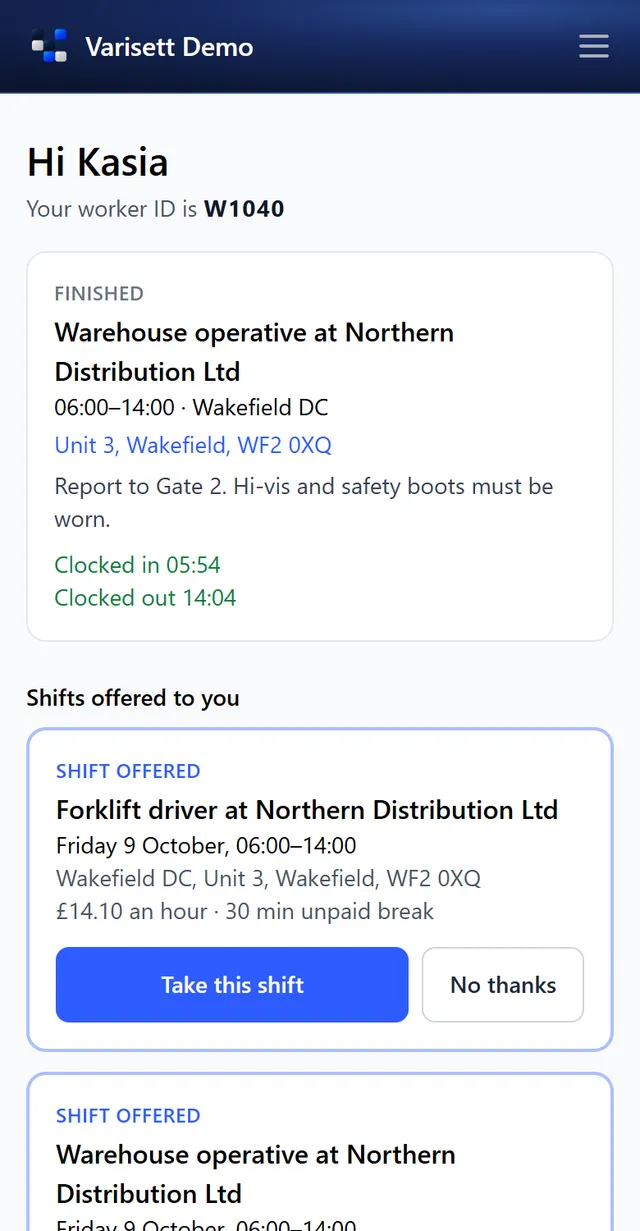
Varisett Staffing runs a temporary and shift staffing agency: onboarding and compliance, filling shifts, clock-in at the client's site, client-approved timesheets, pay files and invoices. These guides cover the agency's setup, each office role, workers and clients.
The director has everything. Everyone else gets one or more roles, and one person can hold several. You can rename the roles to your own job titles; what each one can do stays the same.
| Role | What they do | Guide |
|---|---|---|
| Director | Everything, plus business settings and team logins. | Getting started as the director |
| Manager | Runs the agency day to day: clients, workers, compliance and set-up. | Getting started as the director |
| Consultant | Clients and their sites, workers, and filling shifts. | Filling shifts (consultants) |
| Compliance | Checks workers' documents and clears them to work. | Clearing workers to work (compliance) |
| Finance | Rates, timesheets, pay runs, invoices and reports. | Timesheets, pay and invoices (finance) |
| Workers | Onboard, take shifts and clock in on their phone, with a Worker ID and PIN. | The worker's app |
| Client contacts | Request shifts, see who's booked and approve timesheets from a private link. | The client portal |