Put a shift up
- Shifts → New shift: the client, site, role, times, break and how many people.
- Make a run of dates in one go for regular work.
- Requests from a client's portal arrive as requested shifts for you to confirm.
- Also use Varisett Bookings or FSM? Cover they ask for arrives the same way, as requested shifts from your own business (its own client, with the site and role made for you). Once you book people, the asking platform shows who's coming.
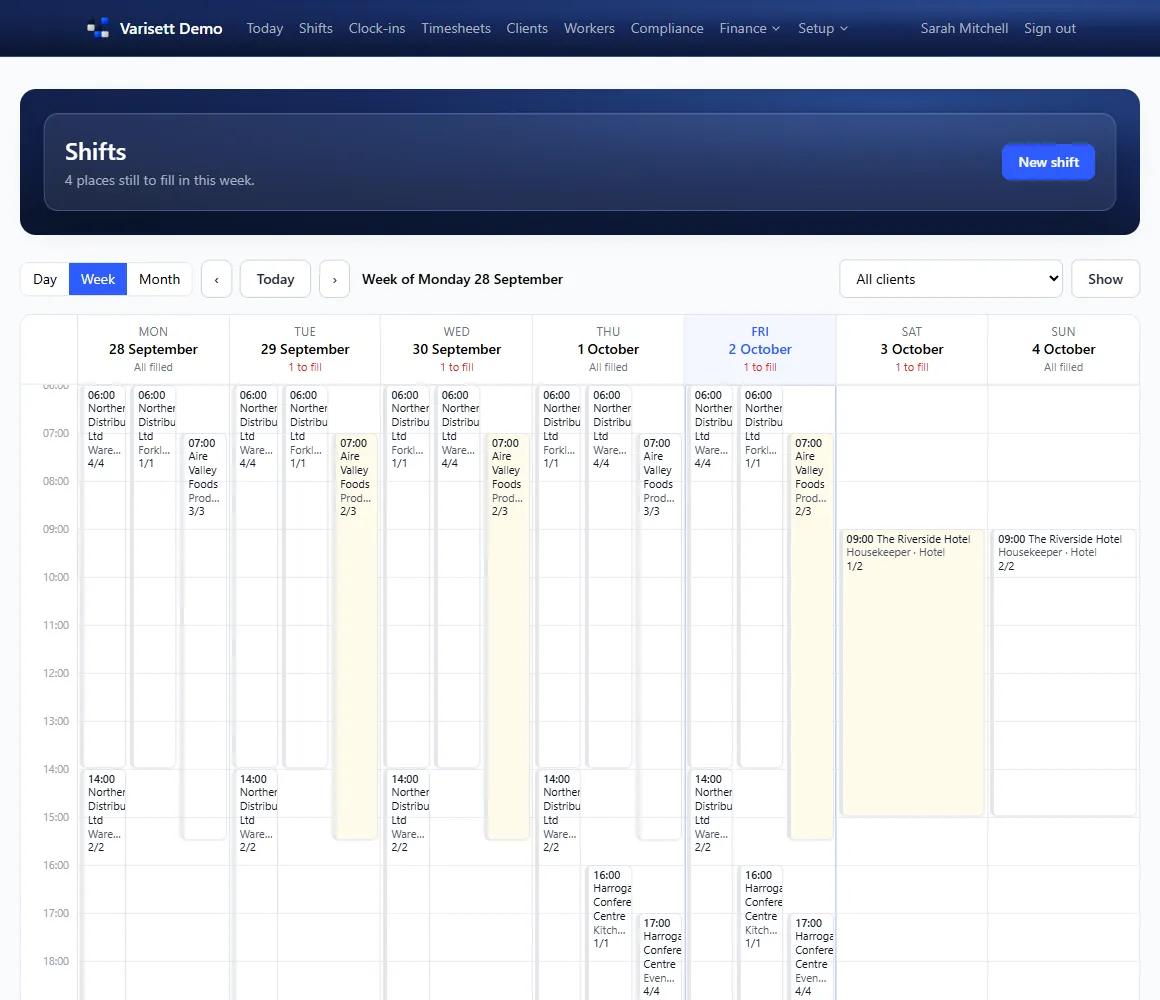
Fill it
Open the shift. "Who could do it" lists suitable workers, with anyone who can't be booked left out and anything to check shown: not available that day, less than 11 hours' rest, a long week, a history of late clock-ins or no-shows.
Book someone directly, or tick several and offer it to them. The first to accept on their phone gets it; a shift is never overfilled and nobody is double-booked.
Also use Varisett FSM or Bookings? Someone busy there at the time (an FSM job, an appointment) can't be offered or booked onto the shift, the same as a clash with another shift.
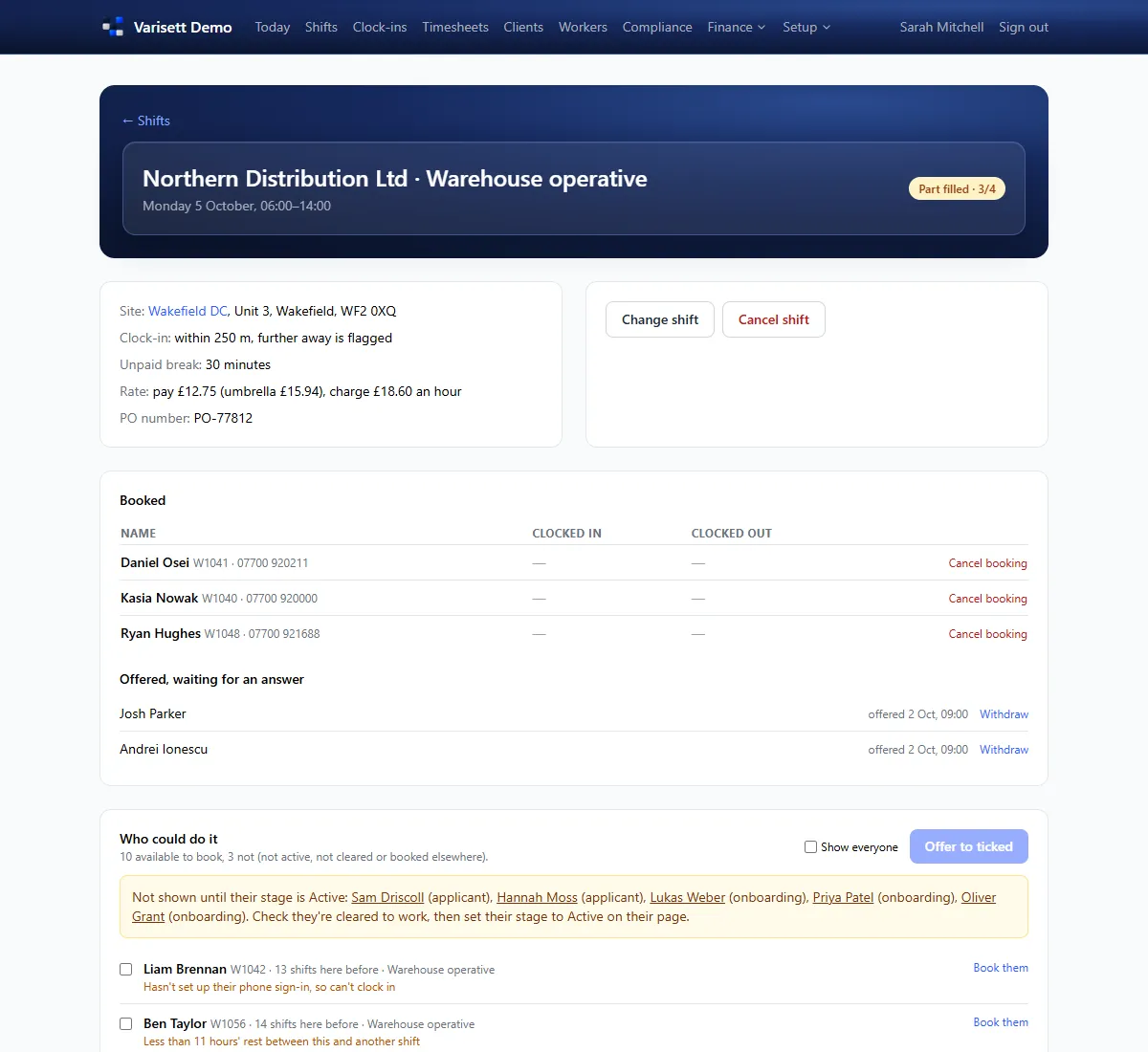
On the day
Clock-ins shows who's arrived. A clock-in too far from the site is flagged, or waits for your OK, as the site is set. Mark a no-show from the shift.
Workers
Workers lists everyone with their stage (applicant, onboarding, active) and whether they're cleared to work. Add a worker and send them an invite link to set their PIN and onboard on their phone.
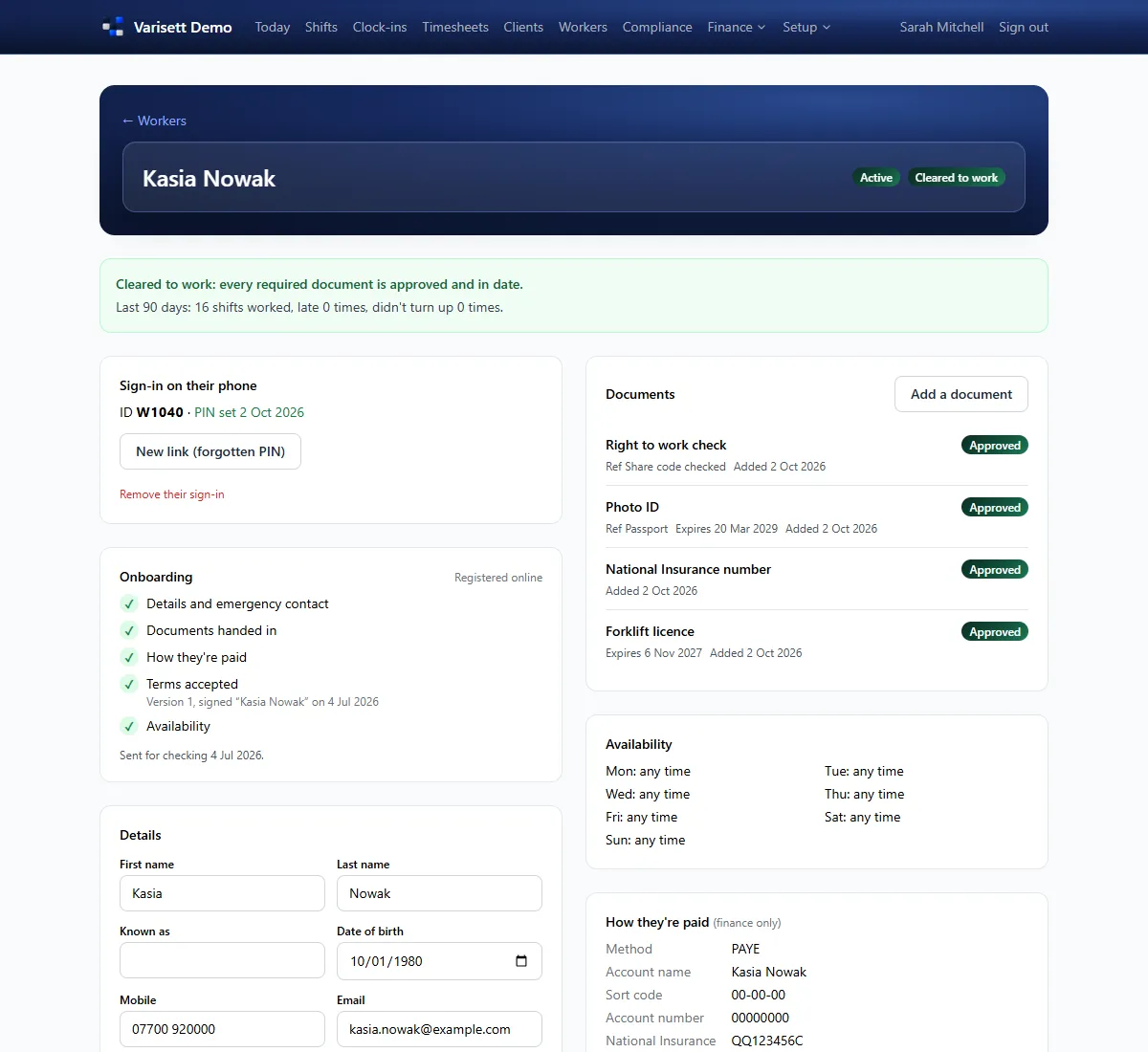
Screens show the real Varisett Staffing with made-up example data. Your own system carries your name, logo and colour.